gdeac.comHome NavigationNavigation
Home >  News >  Subtle aspects in Overwatch 2: expand the boundaries and change the nickname

Subtle aspects in Overwatch 2: expand the boundaries and change the nickname

Author : Sadie Update:Mar 05,2025

Update Your Overwatch 2 Username: A Comprehensive Guide

Your Overwatch 2 in-game name is more than just a nickname; it's your online identity. This guide details how to change your BattleTag (PC and cross-platform players) or console gamertag (Xbox and PlayStation with cross-play disabled).

Can I Change My Name in Overwatch 2?

Yes! The process varies slightly depending on your platform and cross-play settings.

How to Change Your Name in Overwatch 2

Your in-game name is tied to your Battle.net account (BattleTag).

Key Considerations:

  • Free Name Change: You get one free BattleTag change.
  • Paid Name Changes: Subsequent changes incur a fee (approximately $10 USD; check your region's price in the Battle.net shop).
  • Cross-Play: If cross-play is enabled on console, use the PC method. If disabled, use the console's settings.

Changing Your Name on PC (or Console with Cross-Play Enabled)

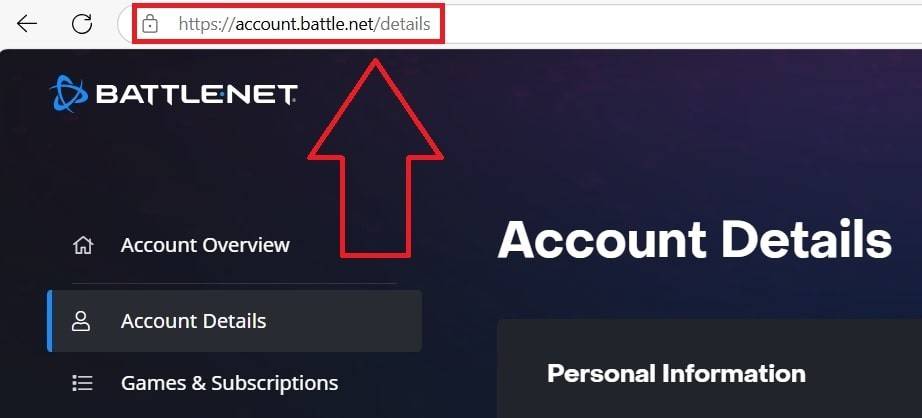
  1. Go to the official Battle.net website and log in. Changing Your Nick on PC
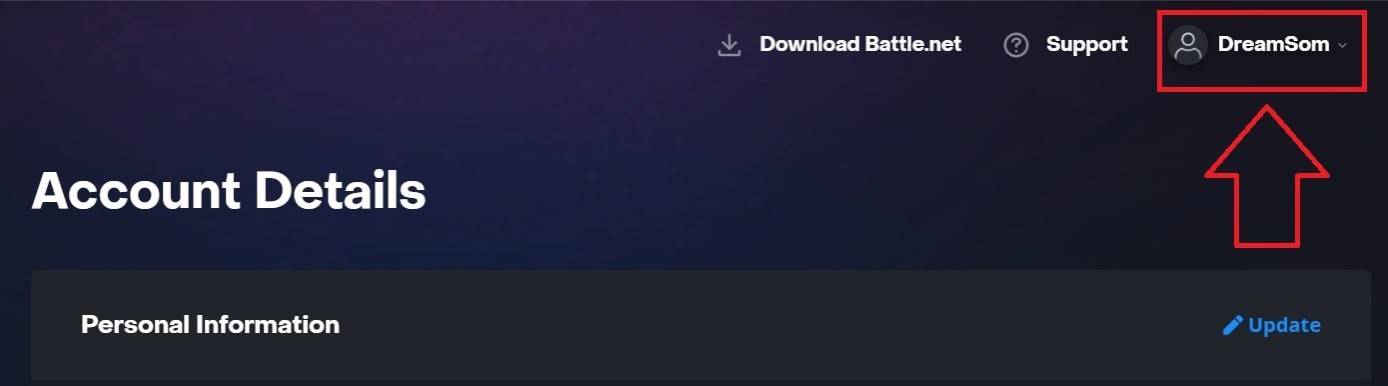
  2. Click your current username (top right). Changing Your Nick on PC
  3. Select "Account Settings," then locate your BattleTag. Changing Your Nick on PC
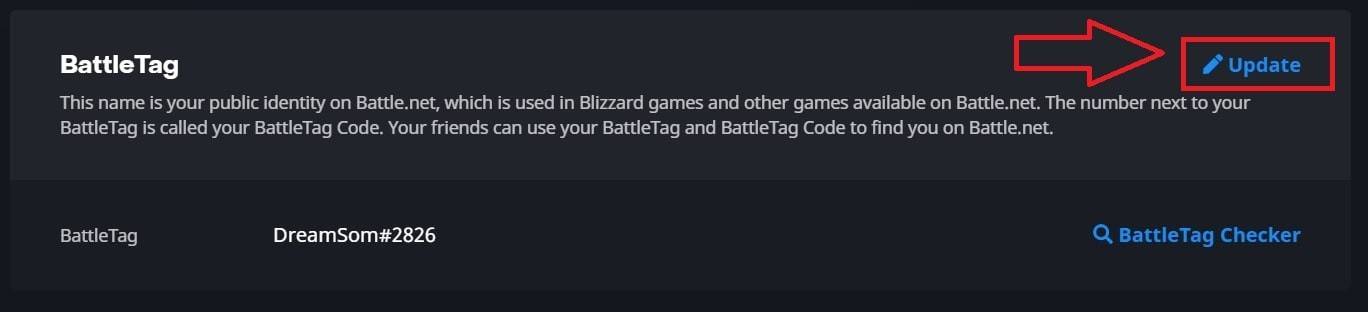
  4. Click the blue "Update" (pencil icon). Changing Your Nick on PC
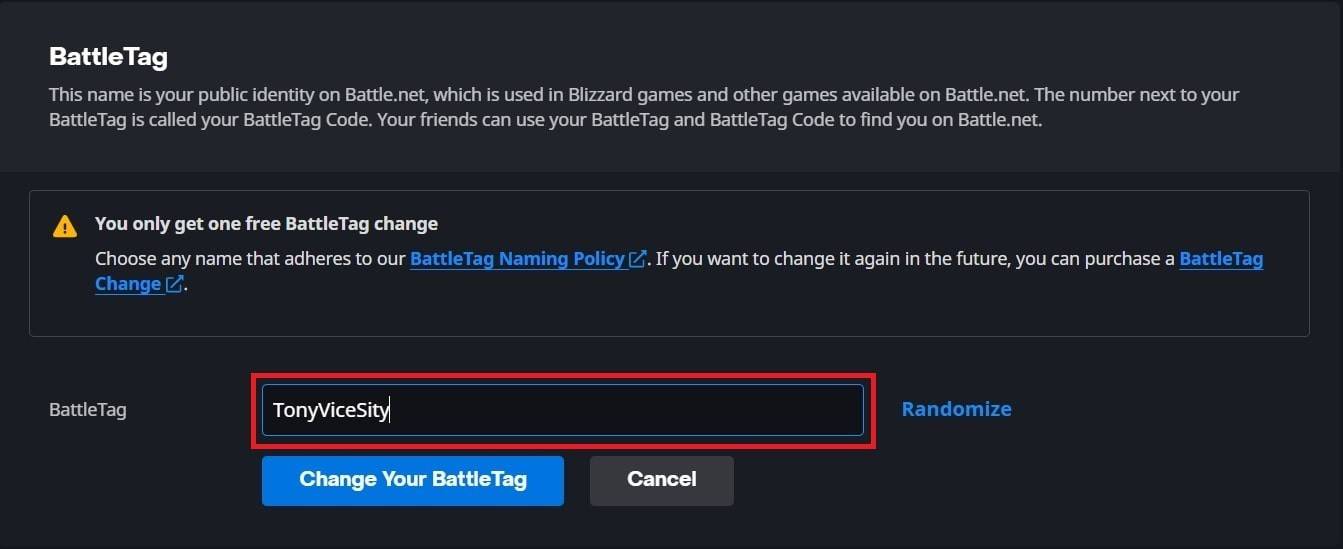
  5. Enter your new name (following BattleTag naming rules). Changing Your Nick on PC
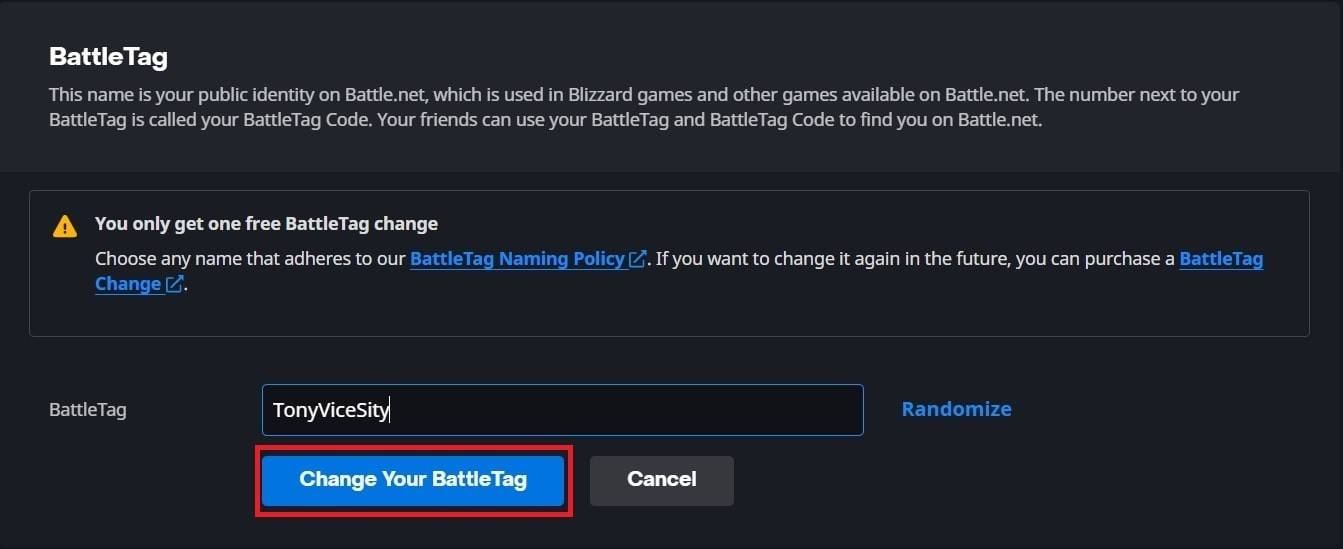
  6. Click "Change Your BattleTag."

Note: Changes may take up to 24 hours to fully propagate.

Changing Your Name on Xbox (Cross-Play Disabled)

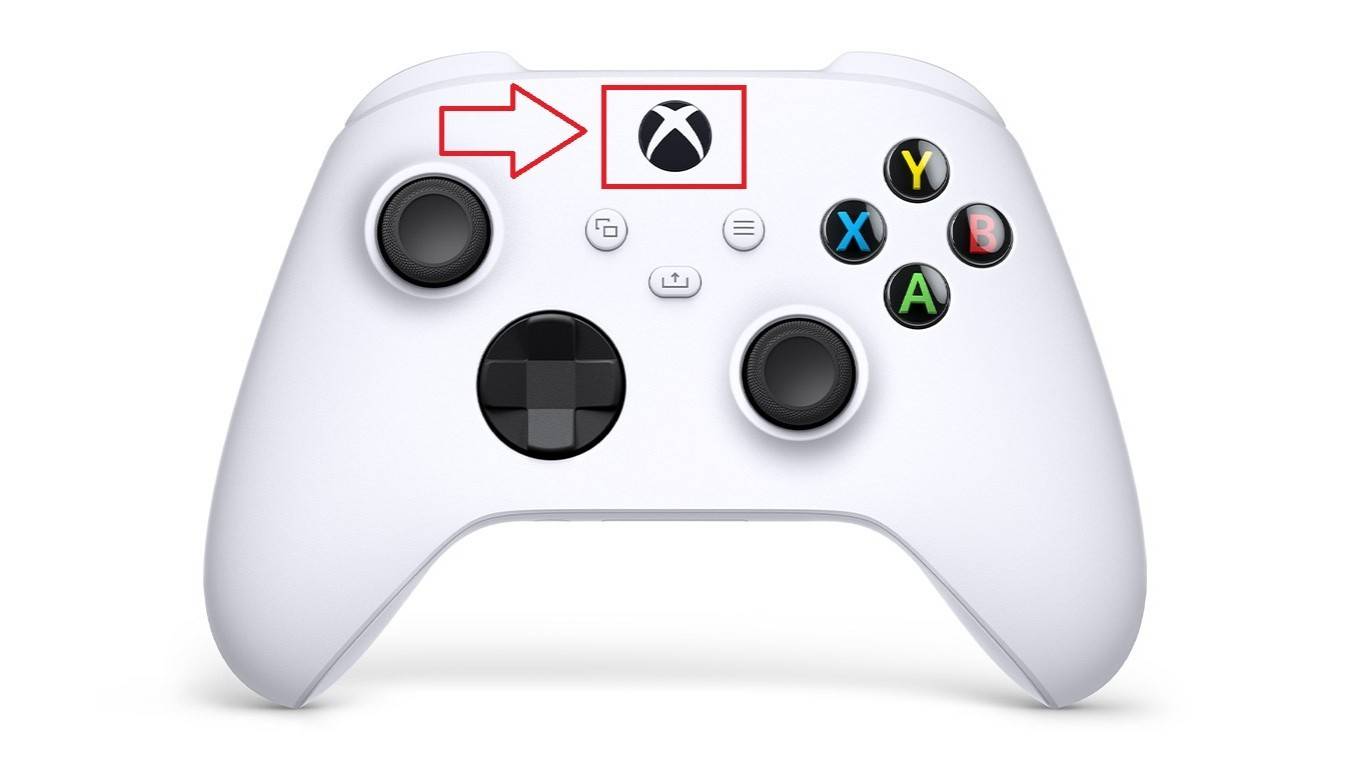
  1. Press the Xbox button. Changing Your Name on Xbox
  2. Go to "Profile & System," then your Xbox profile. Changing Your Name on Xbox
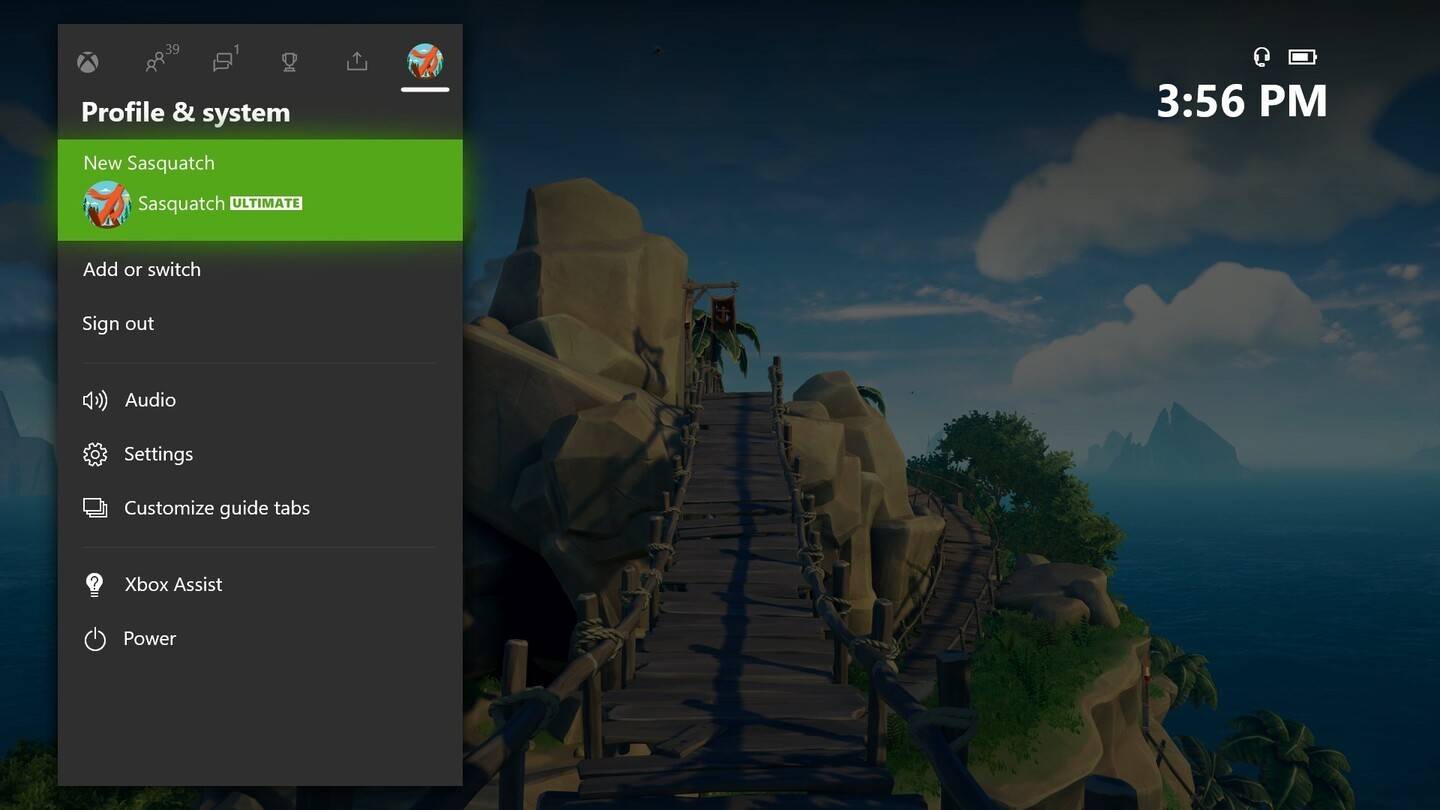
  3. Select "My Profile," then "Customize Profile." Changing Your Name on Xbox
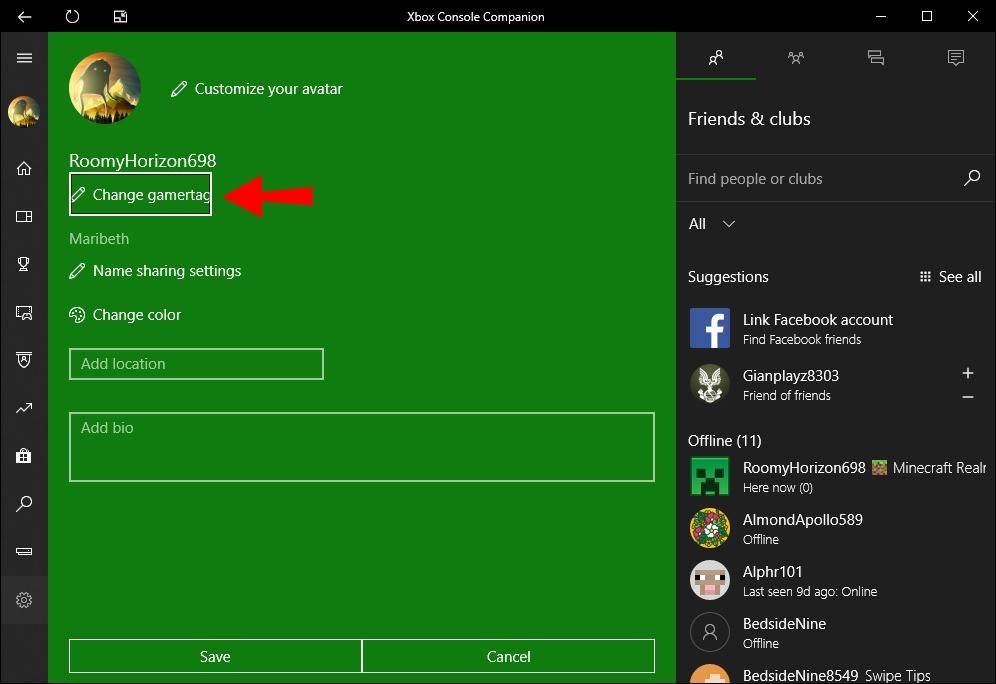
  4. Click your Gamertag, enter the new name, and confirm. Changing Your Name on Xbox
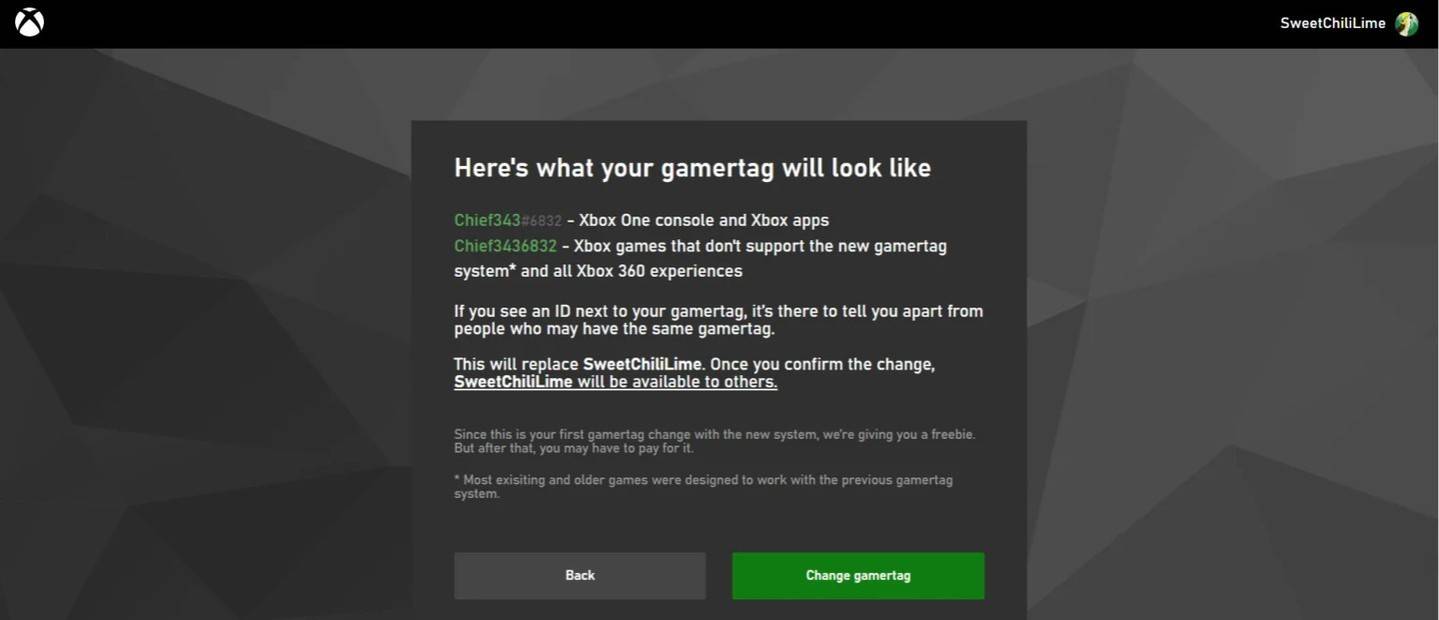
Note: This only affects other Xbox players with cross-play disabled. Others will see your BattleTag.

Changing Your Name on PlayStation (Cross-Play Disabled)

  1. Go to "Settings," then "Users and Accounts." Changing Your Username on PlayStation
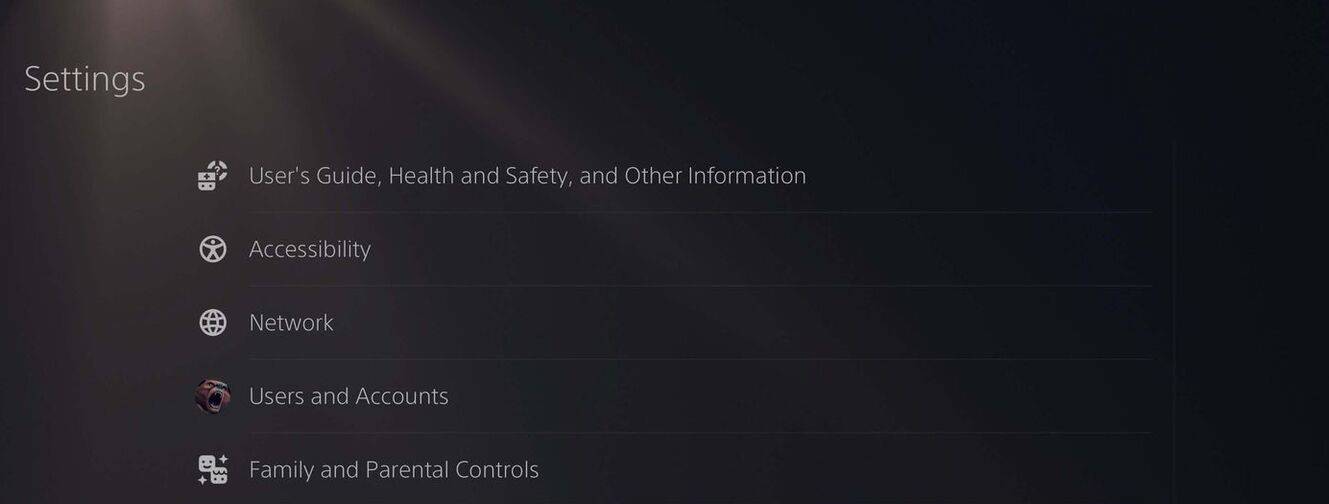
  2. Select "Accounts," then "Profile." Changing Your Username on PlayStation
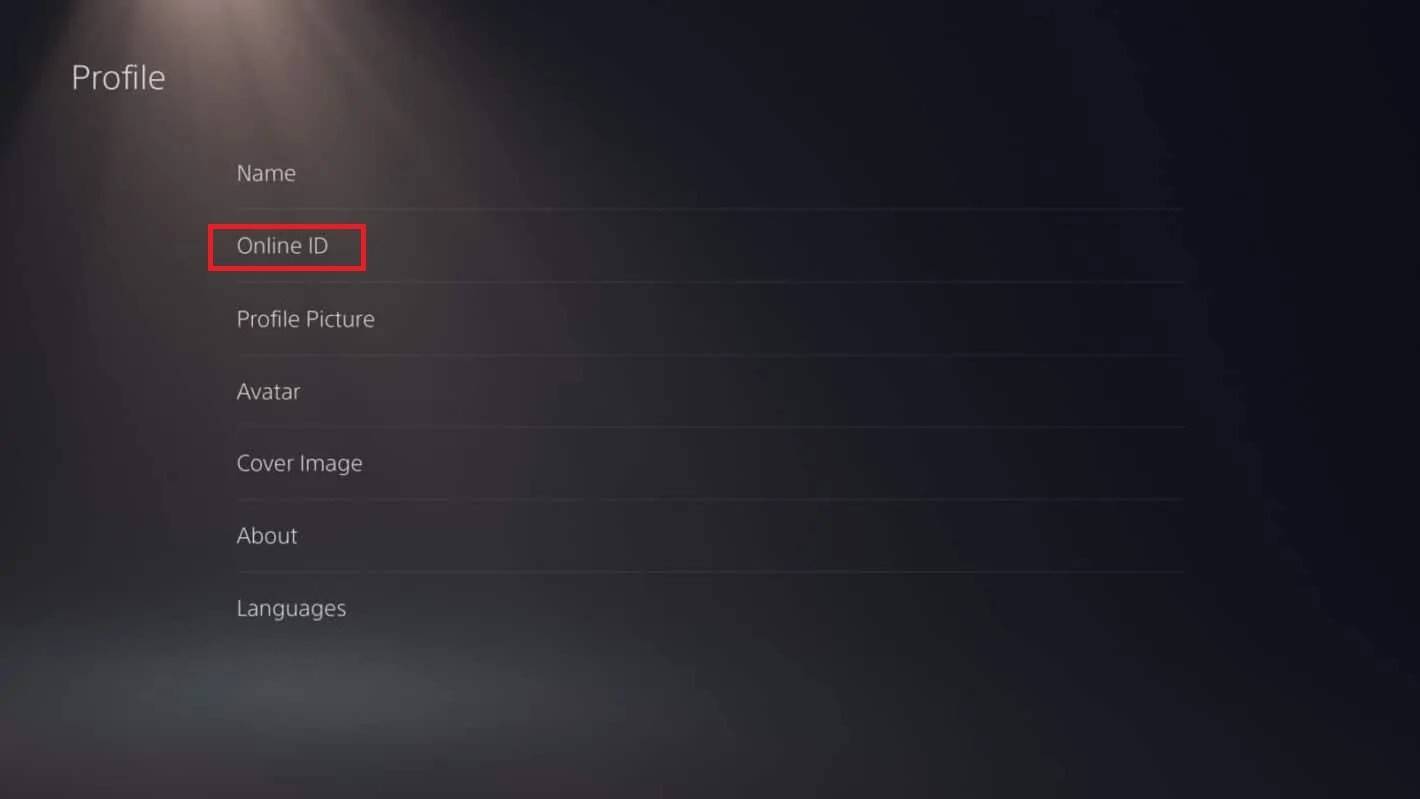
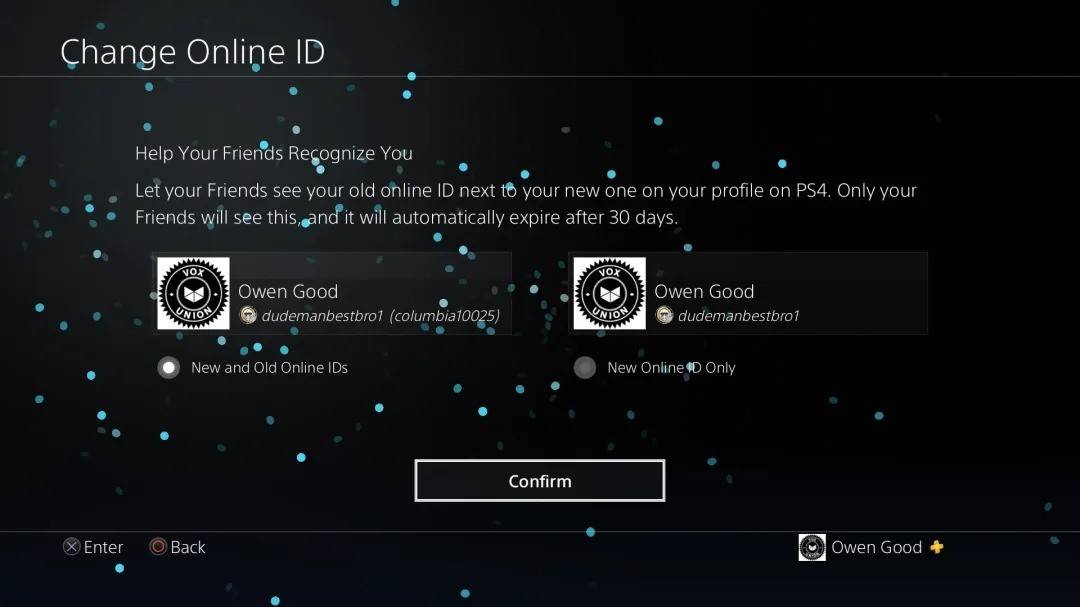
  3. Find "Online ID" and click "Change Online ID." Changing Your Username on PlayStation
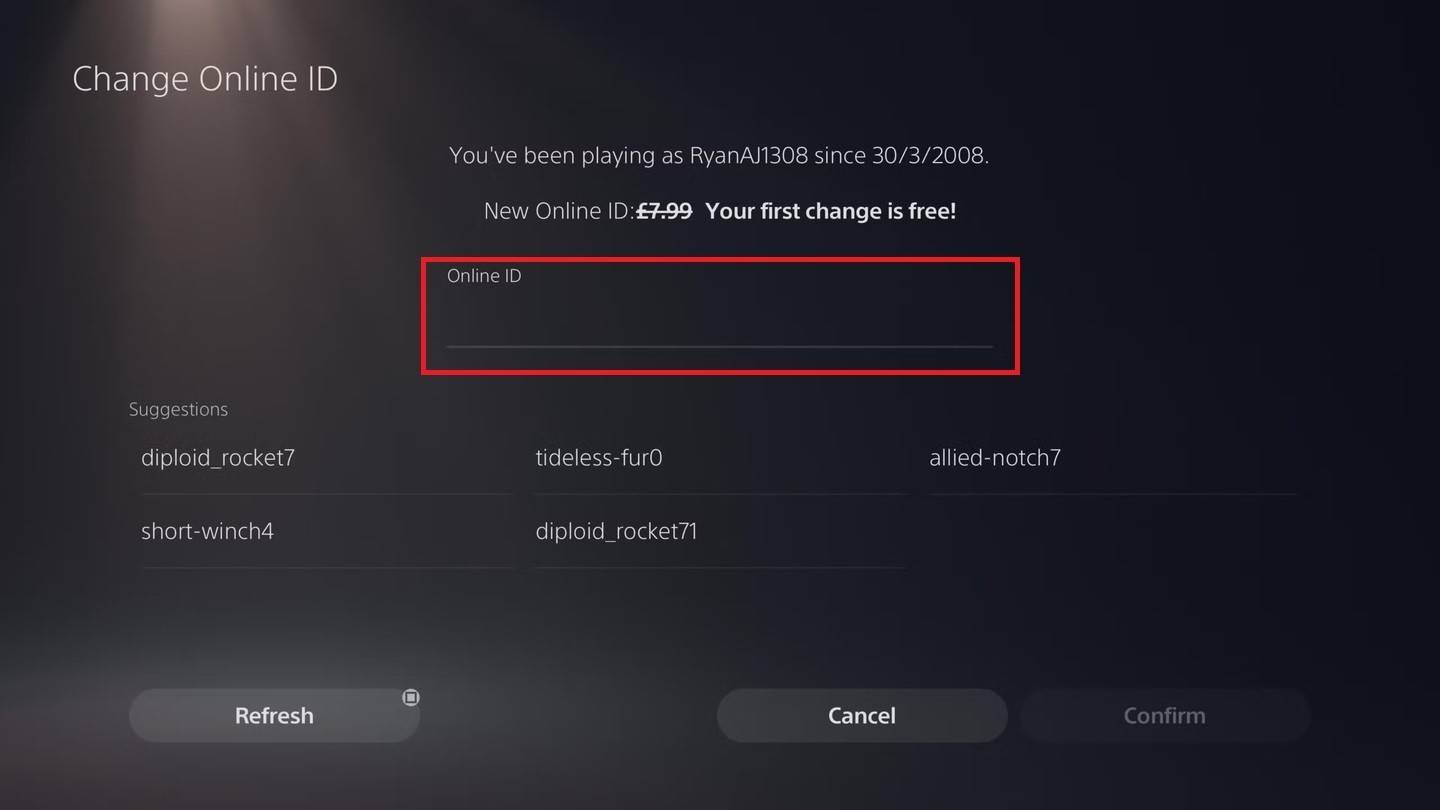
  4. Enter your new name and confirm. Changing Your Username on PlayStation

Note: This only affects other PlayStation players with cross-play disabled. Others will see your BattleTag.

Final Recommendations

Choose the method based on your platform and cross-play status. Remember the free name change limit and any associated fees for subsequent changes. Ensure your Battle.net wallet has sufficient funds if needed.

Latest Articles
  • Wizard of Legend 2: Maxroll's Expert Guides & Database

    ​ Wizard of Legend 2 is an indie Roguelike developed by Dead Mage (creators of Children of Morta) and published by Humble Games. Players assume the role of a wizard undergoing trials to earn the title of Wizard of Legend. Collect powerful Arcana spells

    Author : Zoe View All

  • 65

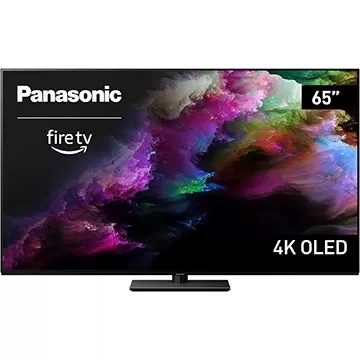
    ​ Don't miss this limited-time opportunity to own a 65-inch OLED TV at a remarkably low price. Starting today, Buydig is offering the 65" Panasonic Z85 4K OLED Smart TV with Amazon Fire TV for just $799 with free shipping when you apply coupon code "HE

    Author : Matthew View All

  • Pokémon Go's Summer Event: Delightful Days Begins

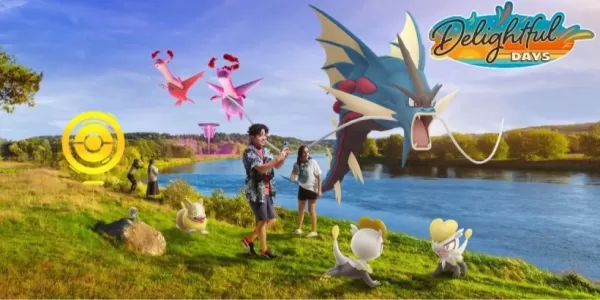
    ​ - Delightful Days runs from June 3rd to September 2nd- The highlight of this season is the Pokémon Go Fest 2025- Expect to see upgrades to familiar systems tooPokémon Go kicks off summer excitement with its Delightful Days season launching June 3rd,

    Author : Samuel View All

Topics
Top Arcade Classics and New Hits
Top Arcade Classics and New HitsTOP

Dive into the world of arcade gaming with our curated collection of classic and new hits! Experience the thrill of retro gameplay with titles like Clone Cars and Brick Breaker - Balls vs Block, or discover innovative new experiences with Fancade, Polysphere, and Riot Squid. Whether you're a fan of puzzle games (Screw Pin Puzzle 3D), action-packed adventures (Rope-Man Run, SwordSlash), or competitive multiplayer (1-2-3-4 Player Ping Pong), this collection has something for everyone. Explore the best in arcade gaming with Tolf and many more exciting apps. Download Clone Cars, Fancade, 1-2-3-4 Player Ping Pong, Brick Breaker - Balls vs Block, Polysphere, Riot Squid, Tolf, Rope-Man Run, SwordSlash, and Screw Pin Puzzle 3D today!