gdeac.comHome NavigationNavigation
Home >  News >  How to Play Age of Empires Mobile on PC or Mac with BlueStacks

How to Play Age of Empires Mobile on PC or Mac with BlueStacks

Author : Emma Update:Feb 20,2025

Experience the thrill of Age of Empires Mobile on your PC or Mac with BlueStacks! This guide provides a seamless walkthrough to conquer historical battlefields with enhanced controls and stunning visuals. Age of Empires Mobile brings classic strategy gameplay to your fingertips, blending familiar elements with mobile-optimized features. Command legendary heroes, manage resources strategically, and engage in intense real-time battles.

Installing Age of Empires Mobile on PC or Mac:

Method 1: For New BlueStacks Users

  1. Download BlueStacks: Visit the official BlueStacks website and download the installer for your operating system (PC or Mac).
  2. Install and Launch: Install BlueStacks and launch the emulator.
  3. Google Play Store Sign-in: Sign in to your Google Play Store account.
  4. Install Age of Empires Mobile: Search for "Age of Empires Mobile" in the Play Store and install the game.
  5. Start Playing! Launch the game and begin your conquest.

Method 2: For Existing BlueStacks Users

  1. Launch BlueStacks: Open BlueStacks on your PC or Mac.
  2. Search for the Game: Use the search bar on the BlueStacks homescreen to find "Age of Empires Mobile".
  3. Install and Play: Select the game, install it, and start playing.

Mac Users (BlueStacks Air):

Download BlueStacks Air from the official BlueStacks website. Follow the on-screen instructions to install it, sign in with your Google account, and install Age of Empires Mobile from the Play Store.
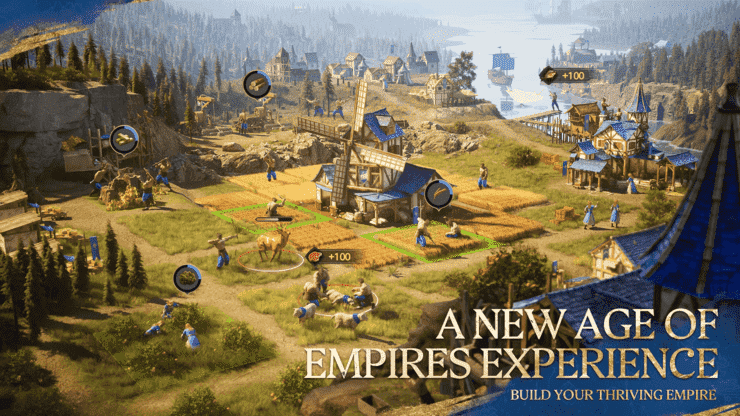
How to Play Age of Empires Mobile on PC or Mac with BlueStacks

BlueStacks elevates your Age of Empires Mobile experience. Enjoy superior graphics, precise controls, and the immersive world of epic battles. Forge alliances, strategize your campaigns, and claim victory on a larger, more visually impressive scale. Prepare for battle!

Latest Articles
  • Kaiju No. 8 Game Arrives This Month

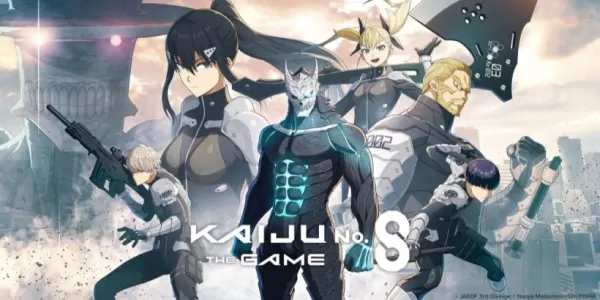
    ​ Kaiju No. 8 The Game is confirmed for release on August 31st.Pre-registration remains open, offering exclusive characters as a reward for reaching one million sign-ups.The game is based on the popular manga and anime series created by Naoya Matsumoto

    Author : Mila View All

  • Nintendo Fixes Switch 2 Battery Problem

    ​ Nintendo has acknowledged battery indicator issues affecting some Switch 2 owners and provided troubleshooting steps for resolution. The problem appears unrelated to actual battery performance, but rather stems from inaccurate charge level readings

    Author : Lillian View All

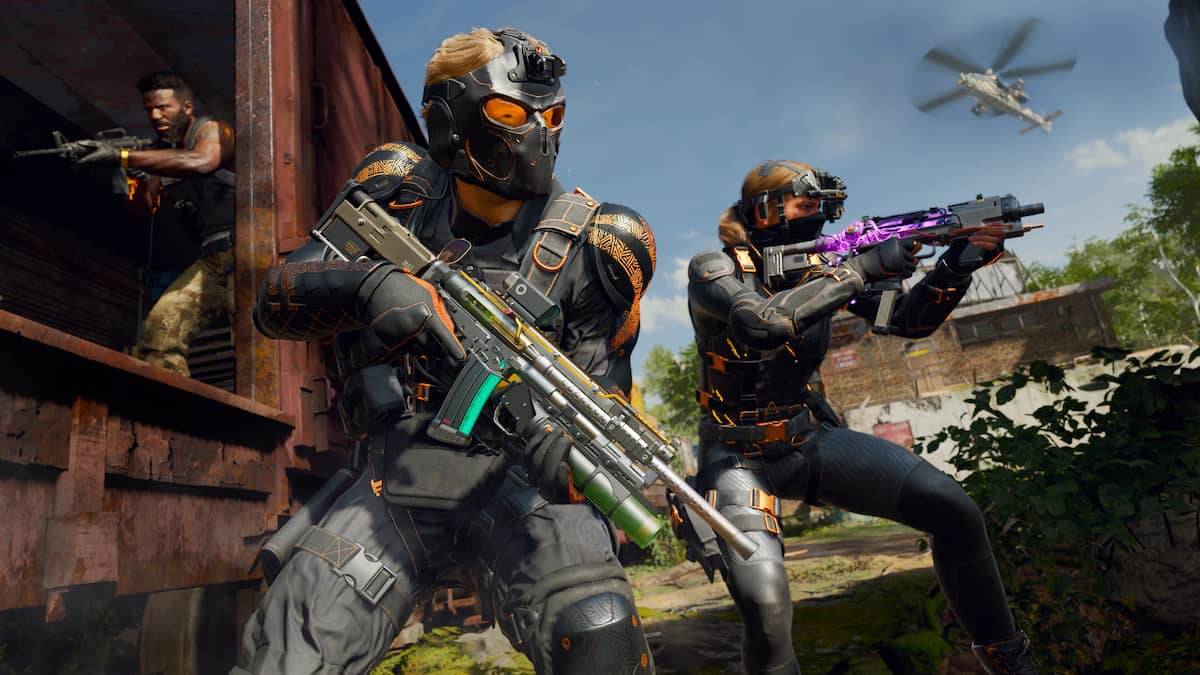
  • Xbox Game Pass Adds Call of Duty: WWII, Warcraft RTS in 2025

    ​ Microsoft has unveiled the second wave of the Xbox Game Pass lineup for June 2025. This month brings a robust selection of titles for subscribers.According to an official post on Xbox Wire, available starting today is FBC: Firebreak. This cooperative

    Author : Joseph View All

Topics
Top Arcade Classics and New Hits
Top Arcade Classics and New HitsTOP

Dive into the world of arcade gaming with our curated collection of classic and new hits! Experience the thrill of retro gameplay with titles like Clone Cars and Brick Breaker - Balls vs Block, or discover innovative new experiences with Fancade, Polysphere, and Riot Squid. Whether you're a fan of puzzle games (Screw Pin Puzzle 3D), action-packed adventures (Rope-Man Run, SwordSlash), or competitive multiplayer (1-2-3-4 Player Ping Pong), this collection has something for everyone. Explore the best in arcade gaming with Tolf and many more exciting apps. Download Clone Cars, Fancade, 1-2-3-4 Player Ping Pong, Brick Breaker - Balls vs Block, Polysphere, Riot Squid, Tolf, Rope-Man Run, SwordSlash, and Screw Pin Puzzle 3D today!