Home
Home  Navigation


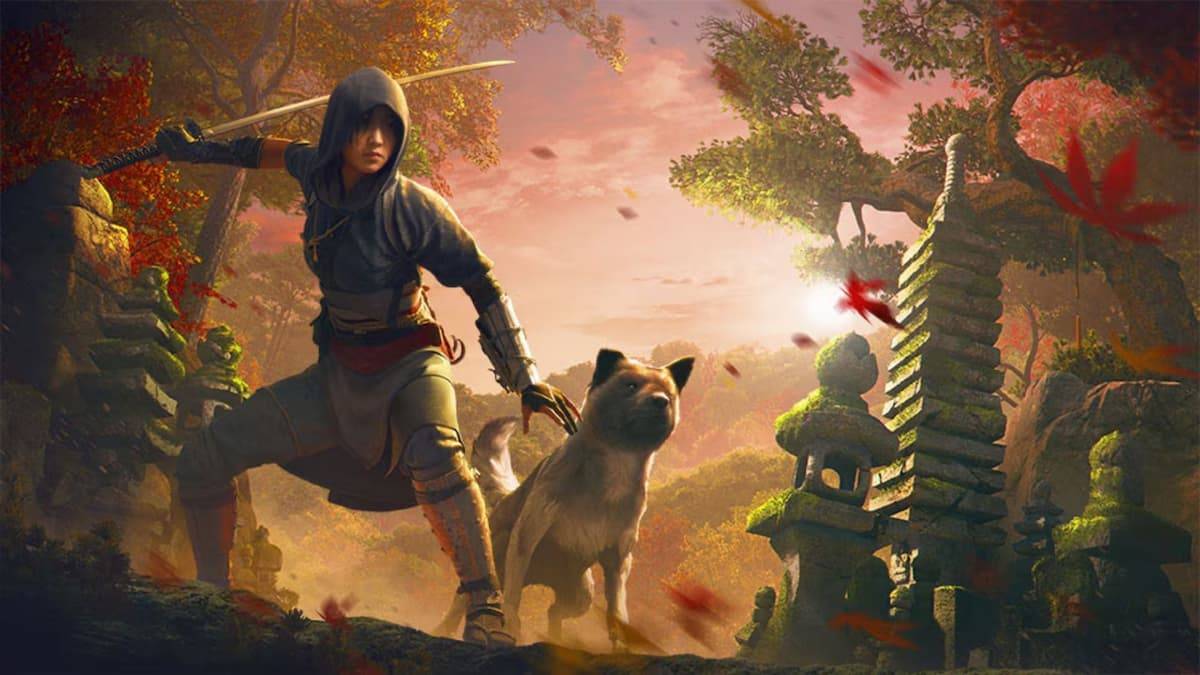
*Assassin’s Creed Shadows* can indeed be challenging, but the game offers customizable difficulty settings to suit your playstyle. Here's a detailed look at how you can manage the difficulty in *Assassin’s Creed Shadows* to enhance your gaming experience.
Assassin’s Creed Shadows Difficulty Levels Explained
In *Assassin’s Creed Shadows*, you have the flexibility to choose from four distinct difficulty settings:
- Story: Ideal for players who want to focus on the narrative without the pressure of tough combat. Enemies in this mode are slow and less coordinated, making it easier for you to progress through the game.
- Forgiving: A slight step up from Story mode, where enemies still don't gang up on you, and Naoe is more effective in open combat situations.
- Normal: This is the default setting, requiring a balanced approach to combat. Naoe should use stealth, while Yasuke needs to engage enemies strategically.
- Expert: For those seeking a real challenge, enemies in this mode are more aggressive and deal more damage. Stealth and strategic planning are crucial, as is keeping your gear up to date.
Difficulty Tuning
For even more personalized gameplay, *Assassin’s Creed Shadows* offers a 'Difficulty Tuning' feature. Accessible from the Gameplay tab in the settings menu, this allows you to adjust the difficulty of combat and stealth independently. Whether you prefer intense combat with easier stealth, or vice versa, you can tailor the game to your liking.
Additionally, the 'Guaranteed Assassination' option can be enabled, ensuring that Naoe can take down any enemy with a single hit, bypassing the need to upgrade her Assassin Mastery tree for effective assassinations.
How to Change Difficulty
Adjusting the difficulty in *Assassin’s Creed Shadows* is straightforward and can be done at any time. Simply pause the game, navigate to the settings menu, select the Gameplay tab, and tweak the difficulty settings to your preference. Once adjusted, you can dive back into the action with your new settings.
That covers everything you need to know about managing difficulty in *Assassin’s Creed Shadows*. For more tips and insights on the game, including its approach to diverse relationships and how to claim preorder bonuses, be sure to check out resources like The Escapist.
 Latest Articles









 Latest Games