Home
Home  Navigation


In Fisch, players embark on a quest to discover rare fish across various islands, a journey that can sometimes span several days of in-game fishing. This necessitates swimming back from the starting island each time you log in. Fortunately, you can remedy this by setting a custom spawn point.
Several helpful NPCs within this Roblox experience enable you to change your spawn location. While some offer housing, others simply provide a bed—but locating them is crucial for efficient resource and fish farming.
Changing Your Spawn Point in Fisch
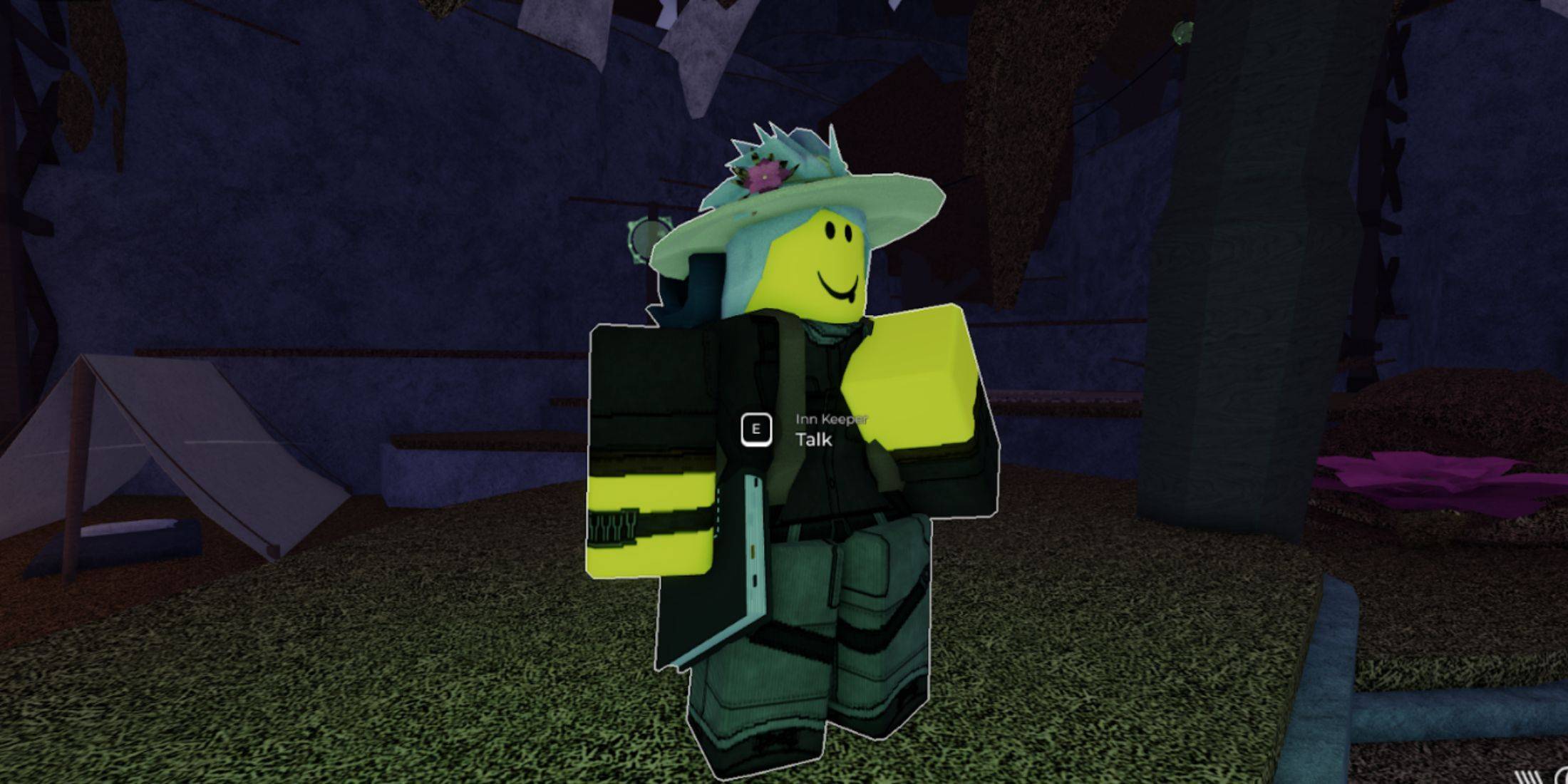 New players in Fisch begin on Moosewood Island. This starting point provides access to essential NPCs and tutorials on basic gameplay. However, even after significant progress and exploration, you'll continue to spawn on Moosewood Island. To establish a new spawn point, you must locate the Innkeeper NPC.
Innkeepers (or Beach Keepers) are usually found on most islands, with exceptions like areas requiring specific player achievements (e.g., the Depths). They're often situated near shacks, tents, or sleeping bags, though sometimes they're near trees, as seen on Ancient Isle. This can make them easy to overlook, so it's advisable to interact with each NPC encountered in new locations to identify them.
Once you find the Innkeeper on your desired island, speak with them to determine the cost of lodging. Conveniently, the price to set a new spawn point in Fisch remains consistent at 35C$, regardless of location. Furthermore, you can change your spawn point as many times as needed.
 Latest Articles









 Latest Games