 Home
Home  Navigation


Cut and move pictures
Category:Art & Design Size:29.8 MB Version:4.5
Developer:Xenia Smirnova Rate:5.0 Update:May 04,2025
 Application Description
Introducing our easy-to-use image editor, designed specifically for cropping and overlaying photos with simple, essential tools. Our application offers a streamlined approach to photo editing, perfect for creating stunning images without any unnecessary complications.
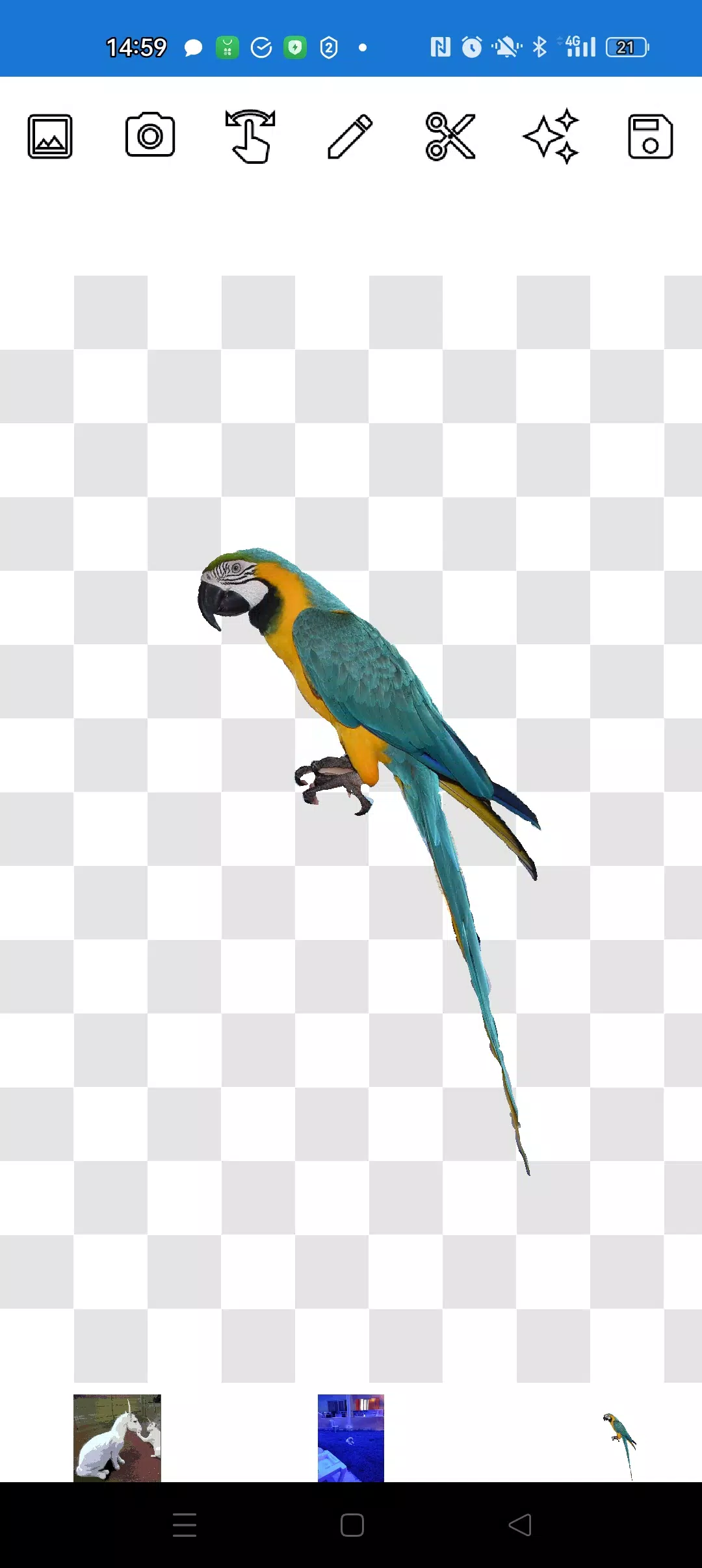
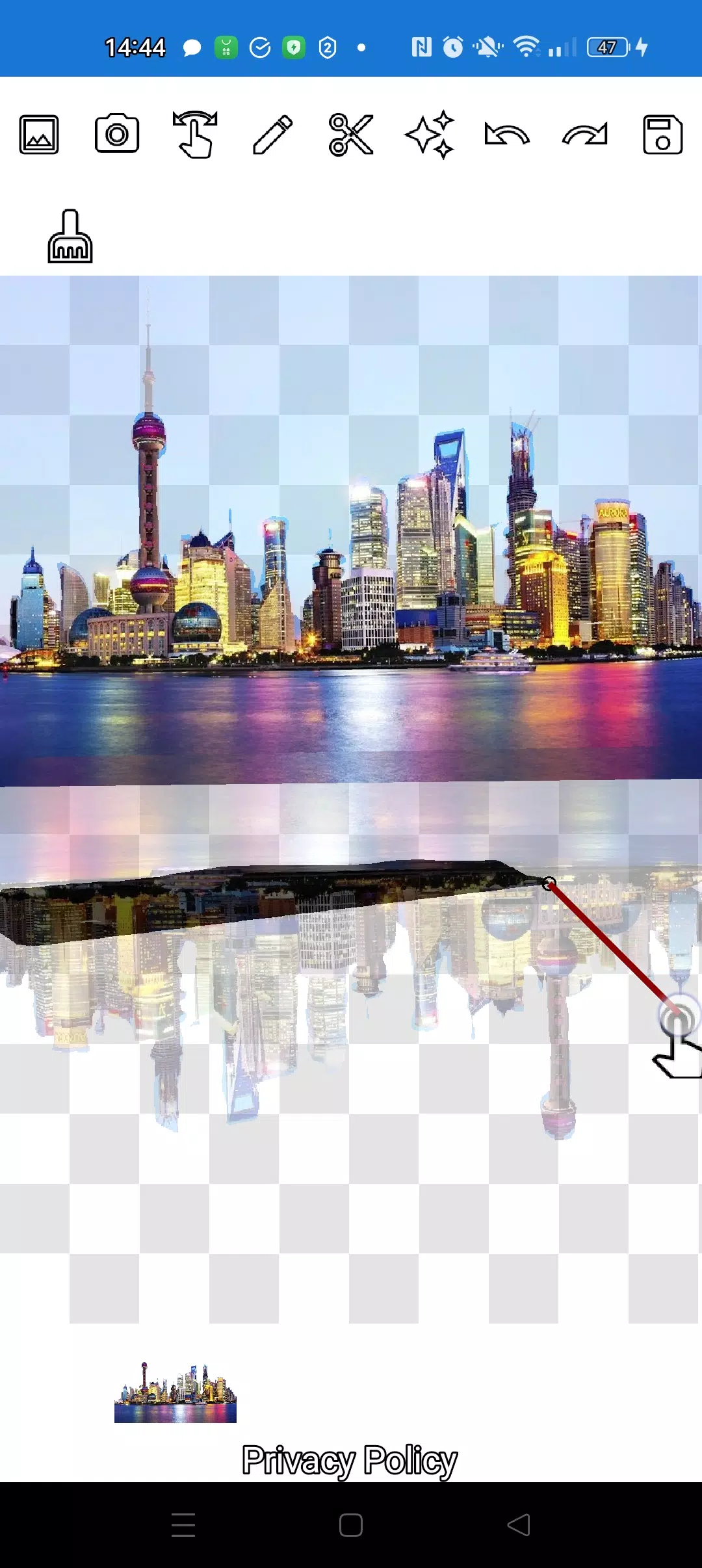
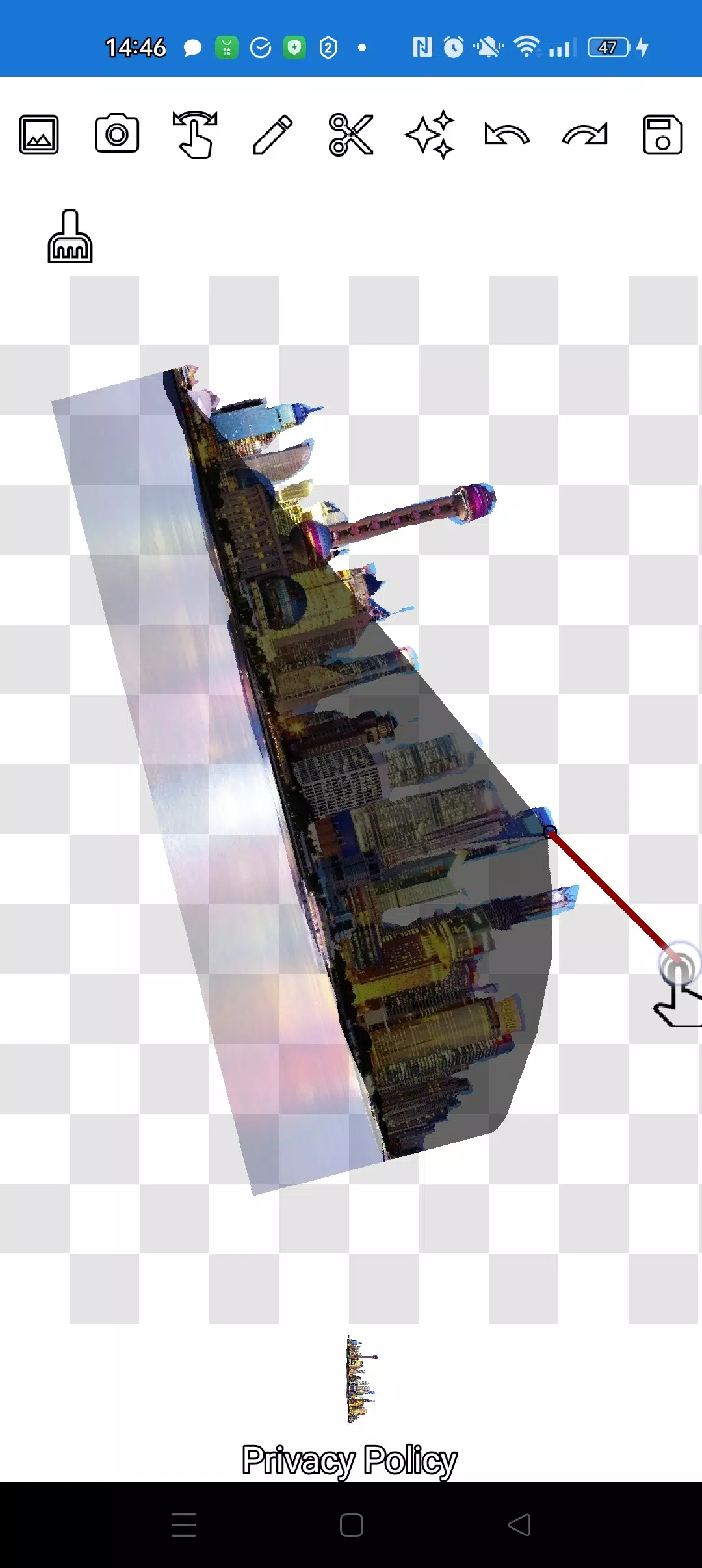
With our app, you can effortlessly cut out any object from a photo using our intuitive pencil ✏️ and lasso tools. The pencil tool allows you to draw around your object, and with adjustable transparency, it can transform into an eraser for fine-tuning. Choose the perfect pencil width and transparency to achieve the desired translucency and edge manipulation. For precision work, the lasso tool is your go-to for capturing even the smallest details.
Enhance your compositions by clicking the "magic" tool next to the save button, ensuring your objects blend seamlessly with their new backgrounds. Zoom in with a simple finger gesture to meticulously crop complex objects using either the pencil or lasso tool.
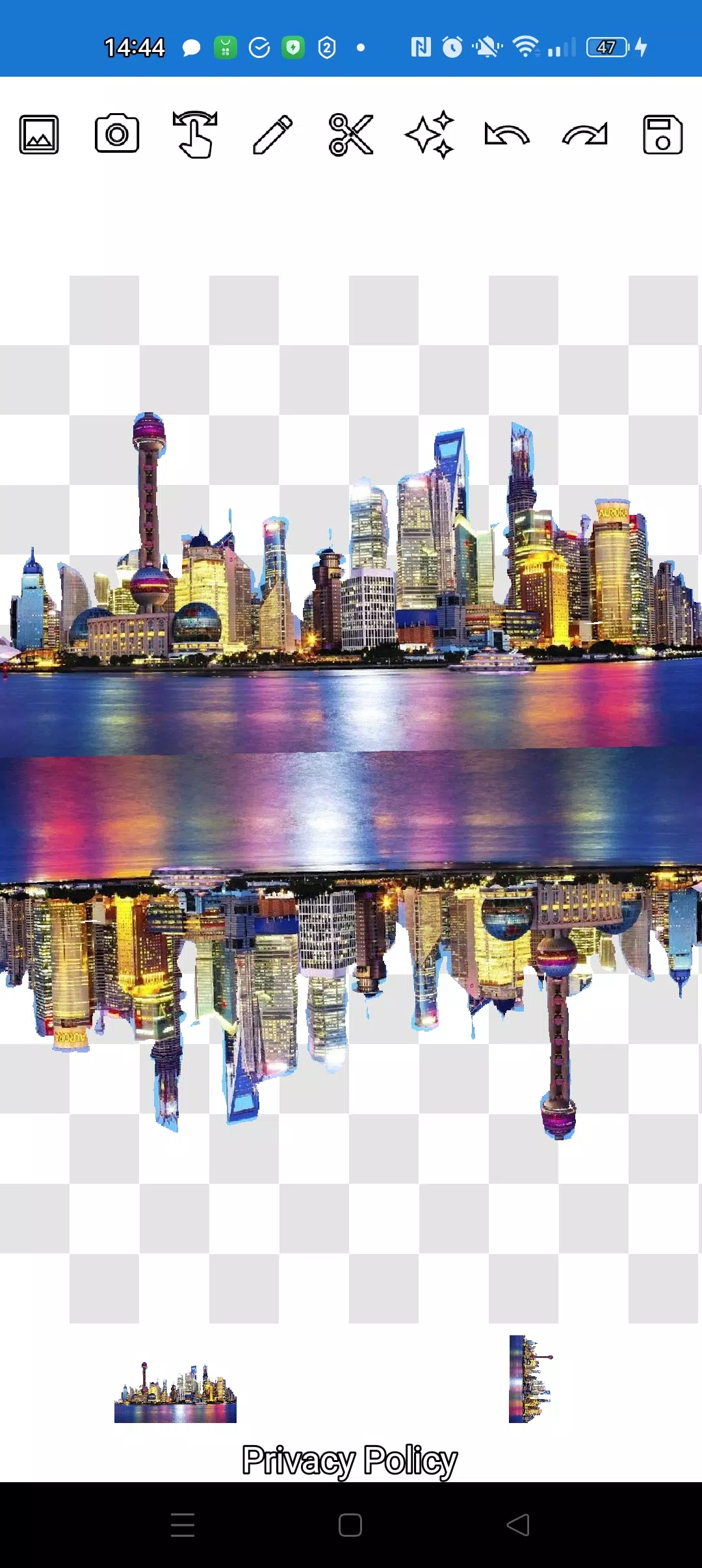
Create intricate multi-layered compositions in just a few minutes. Select multiple photos from your gallery, crop several along their contours, and designate one as your background. Arrange your images beautifully and save the composition to your gallery. A handy tip: choose your overlay image first for easier cutting, then select your background - the overlay image will remain accessible. Simply click on the overlay layer at the bottom to bring it to the forefront.
If you're not satisfied with an image on the screen, swipe it almost out of view, and it will be deleted. Saving your work is as easy as selecting a rectangular area in crop mode and clicking the checkmark to save it to your photo gallery.
Managing the order of your images is straightforward, with layers displayed at the bottom of the screen. A single click on a layer moves it above the others, giving you complete control over your composition.
Initially, you might find the different modes (manipulation, pencil/eraser, or lasso) a bit confusing, but with just a couple of minutes of practice, you'll master them effortlessly!
Impress your friends on social media and instant messaging platforms with unique images. Whether you're crafting memes, fakes, or humorous content, our app is a versatile tool suitable for social media posts, business logos, banners, and more, especially when you're on the go without access to a full-fledged editor.
Use our app anywhere - in a café, on the metro, or even on an airplane - as it works seamlessly offline!
Powered by simple technologies from Pimur.
Thank you for reading this text to the end. Your feedback is invaluable to us, so please share your thoughts below!
What's New in the Latest Version 4.5
Last updated on Sep 17, 2024
Minor bug fixes and improvements. Install or update to the newest version to experience the enhancements!
Screenshot
 Reviews
Post Comments
Apps like Cut and move pictures
Reviews
Post Comments
Apps like Cut and move pictures
-
 Emoji MakerDownload
2.5.9 / 92.2 MB
-
 ART@HSGDownload
1.2.1 / 18.4 MB
-
 NooreMadinaDownload
1.0 / 5.5 MB
-
 SketchPad - Doodle On The GoDownload
2.2.2 / 4.5 MB
Latest Articles
-
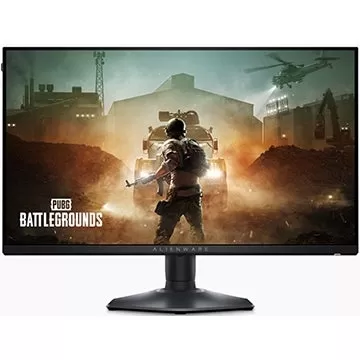
Looking for an affordable monitor with an exceptionally high refresh rate? Amazon currently has the 25-inch Alienware AW2523HF gaming monitor, featuring a 1080p resolution and an incredibly fast 360Hz refresh rate, available for just $249.99 after an
Author : Audrey View All
-
Kaiju No. 8 Game Arrives This Month Dec 22,2025
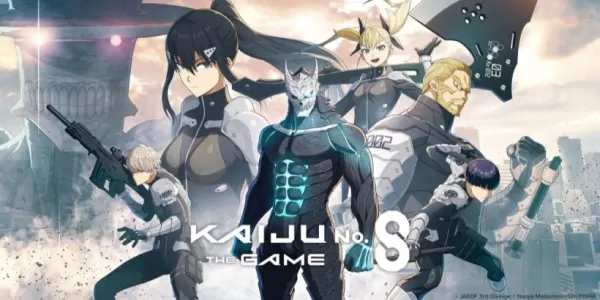
Kaiju No. 8 The Game is confirmed for release on August 31st.Pre-registration remains open, offering exclusive characters as a reward for reaching one million sign-ups.The game is based on the popular manga and anime series created by Naoya Matsumoto
Author : Mila View All
-
Nintendo Fixes Switch 2 Battery Problem Dec 22,2025
Nintendo has acknowledged battery indicator issues affecting some Switch 2 owners and provided troubleshooting steps for resolution. The problem appears unrelated to actual battery performance, but rather stems from inaccurate charge level readings
Author : Lillian View All
Topics

Dive into the world of arcade gaming with our curated collection of classic and new hits! Experience the thrill of retro gameplay with titles like Clone Cars and Brick Breaker - Balls vs Block, or discover innovative new experiences with Fancade, Polysphere, and Riot Squid. Whether you're a fan of puzzle games (Screw Pin Puzzle 3D), action-packed adventures (Rope-Man Run, SwordSlash), or competitive multiplayer (1-2-3-4 Player Ping Pong), this collection has something for everyone. Explore the best in arcade gaming with Tolf and many more exciting apps. Download Clone Cars, Fancade, 1-2-3-4 Player Ping Pong, Brick Breaker - Balls vs Block, Polysphere, Riot Squid, Tolf, Rope-Man Run, SwordSlash, and Screw Pin Puzzle 3D today!






 Latest Apps
-
Communication 4.17.62 / 75.0 MB
-
Books & Reference 4.0.6 / 246.4 MB
-
Comics 1.3.1.4 / 53.0 MB
-
Tools 3.1.2 / 38.90M
-
Communication 1.6 / 5.0 MB




 Trending apps





 Top News


- Assassin’s Creed Shadows Delayed Again Jan 24,2025
- Mr. Fantastic's Limitless Meme-ability Captivates Fans Feb 24,2025
- Borderlands 4 Early Access Was \"Amazing\" According to Fan Jan 16,2025
- Indiana Jones and the Great Circle Sticks to Melee Combat Over Gun Fights Feb 25,2025
- Echocalypse Teams Up with Trails to Azure for Crossover Event Featuring New Characters May 18,2025
- Pre-Registrations Open For Tokyo Ghoul · Break the Chains In Select Regions Jan 08,2025
- Marvel IP Omission Prompted Cancellation Feb 23,2025
- Stephen King Confirms Writing for Mike Flanagan's Dark Tower: 'It's Happening' - IGN Fan Fest 2025 Apr 24,2025
