gdeac.comHome NavigationNavigation
Home >  News >  Discover the Secrets to Triumph in Freedom Wars Remastered

Discover the Secrets to Triumph in Freedom Wars Remastered

Author : Anthony Update:Feb 23,2025

Freedom Wars Remastered: Mastering the Art of Saving

In the fast-paced world of Freedom Wars Remastered, where battles against colossal Abductors and the ever-present threat of Panopticon time limits loom large, relying solely on auto-saves is a risky strategy. Manual saving becomes paramount to preserving your hard-fought progress. This guide details how to save your game and offers strategies to mitigate potential loss.

How to Manually Save

While the game features an autosave system triggered after missions, key dialogues, and cutscenes, it's not foolproof. The game's tutorial, though helpful, might not explicitly highlight the manual save function. Fortunately, manual saving is straightforward:
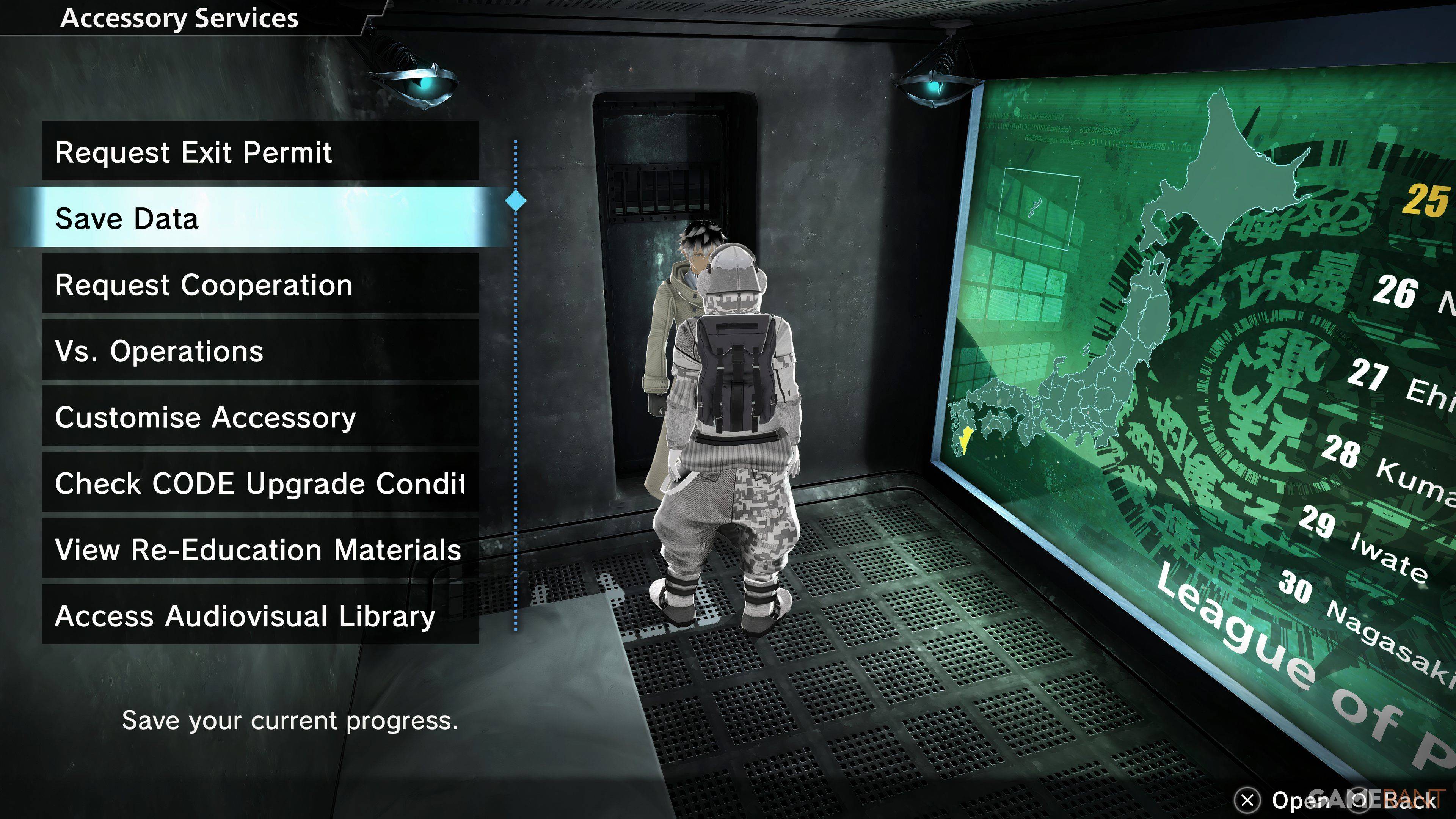
Image: In-game screenshot showing the save menu

To save manually, interact with your Accessory within your Panopticon Cell. Select "Save Data" (the second option). Your Accessory will confirm, and your progress will be saved.

Important Considerations:
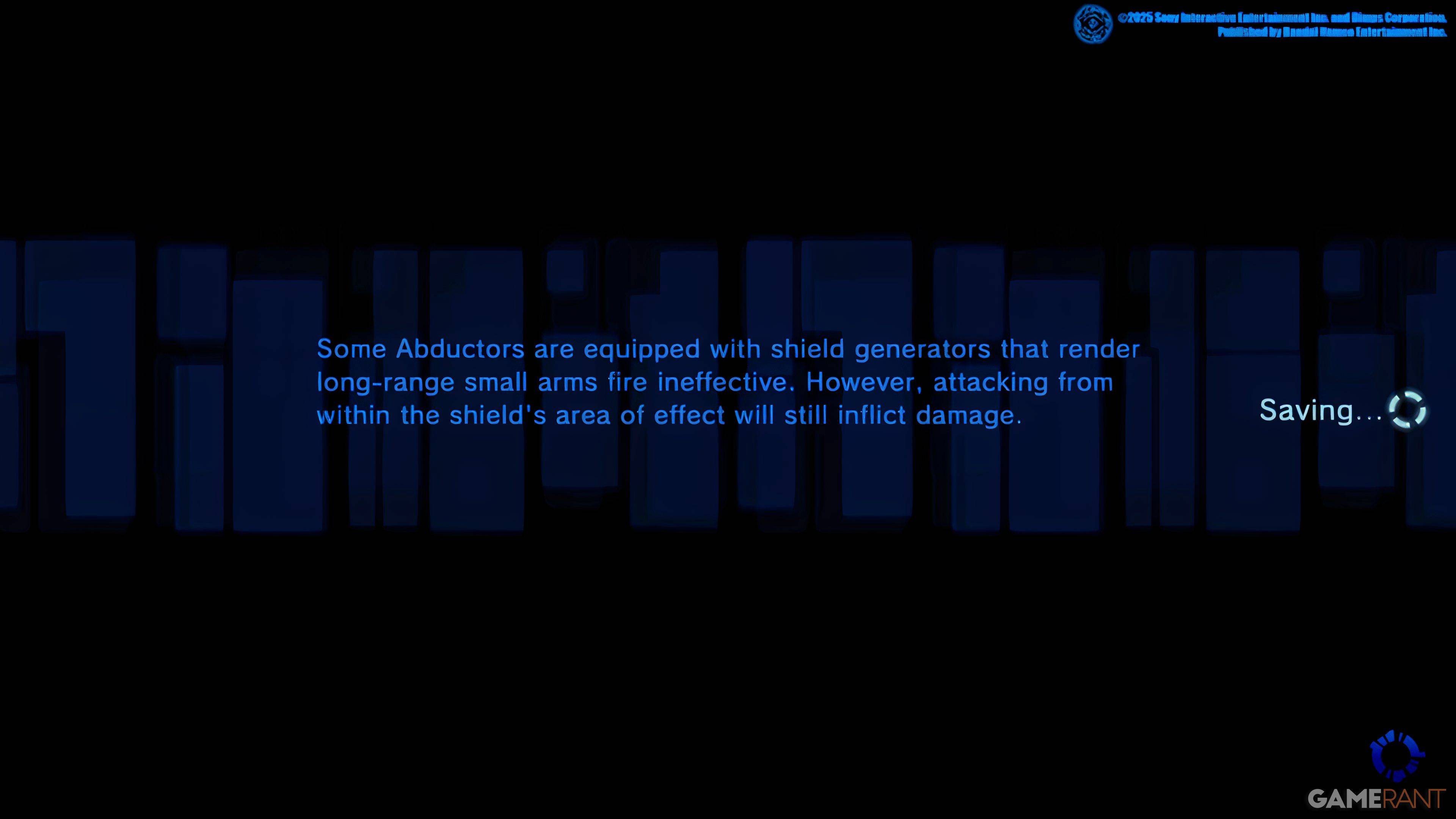
Image: In-game screenshot showing the Accessory interaction

The game only allows for a single save file. This means you cannot create multiple save points to revisit earlier choices. This limitation impacts story decisions with lasting consequences.

PlayStation Plus Cloud Saves: A Workaround

PlayStation Plus subscribers can leverage cloud saves as a workaround. Uploading your save data to the cloud allows you to download it later, effectively creating a backup and enabling you to revert to previous save points if needed. This is particularly useful for experimenting with different choices or recovering from unexpected game crashes.

The Importance of Frequent Saving

Given the potential for game crashes, frequent manual saving is highly recommended. Don't wait until you've completed a long and challenging mission; save often to minimize the risk of losing progress. This proactive approach ensures you can always return to a recent save point, safeguarding your hard work.

Latest Articles
  • Honkai: Star Rail 3.4 Launches Next Month with Fate/Stay Night

    ​ Honkai: Star Rail Version 3.4 is just around the corner, launching on July 2ndAlongside a wealth of new content, it also brings a highly anticipated collaborationFate/Stay Night, one of the most beloved anime series ever, makes its way into Honkai: S

    Author : Sadie View All

  • Aniimo Unveils New Creature Collector Trailer at TGS 2025

    ​ Aniimo has unveiled a feature-packed new trailer for Tokyo Game Show 2025Get another look at the titular Aniimos, Helmut and Stellarys, in actionPre-registration is now open ahead of the multiplatform release expected in 2026Since Palworld opened the

    Author : Sebastian View All

  • Tong's Food Fight Mobile Game Launches Now

    ​ Tong is now available on iOS and Android.Compete by licking your way to victory.Customize your tongue to stand out on the battlefield table.It's rare, but not impossible, for a highly anticipated game to launch sooner than expected. That's exactly wh

    Author : Christopher View All

Topics
Top Arcade Classics and New Hits
Top Arcade Classics and New HitsTOP

Dive into the world of arcade gaming with our curated collection of classic and new hits! Experience the thrill of retro gameplay with titles like Clone Cars and Brick Breaker - Balls vs Block, or discover innovative new experiences with Fancade, Polysphere, and Riot Squid. Whether you're a fan of puzzle games (Screw Pin Puzzle 3D), action-packed adventures (Rope-Man Run, SwordSlash), or competitive multiplayer (1-2-3-4 Player Ping Pong), this collection has something for everyone. Explore the best in arcade gaming with Tolf and many more exciting apps. Download Clone Cars, Fancade, 1-2-3-4 Player Ping Pong, Brick Breaker - Balls vs Block, Polysphere, Riot Squid, Tolf, Rope-Man Run, SwordSlash, and Screw Pin Puzzle 3D today!