Home
Home  Navigation


This guide details how to play Sega CD games on your Steam Deck using EmuDeck. It covers setup, ROM transfer, and optimization for optimal performance.
Pre-Installation Steps & Recommendations
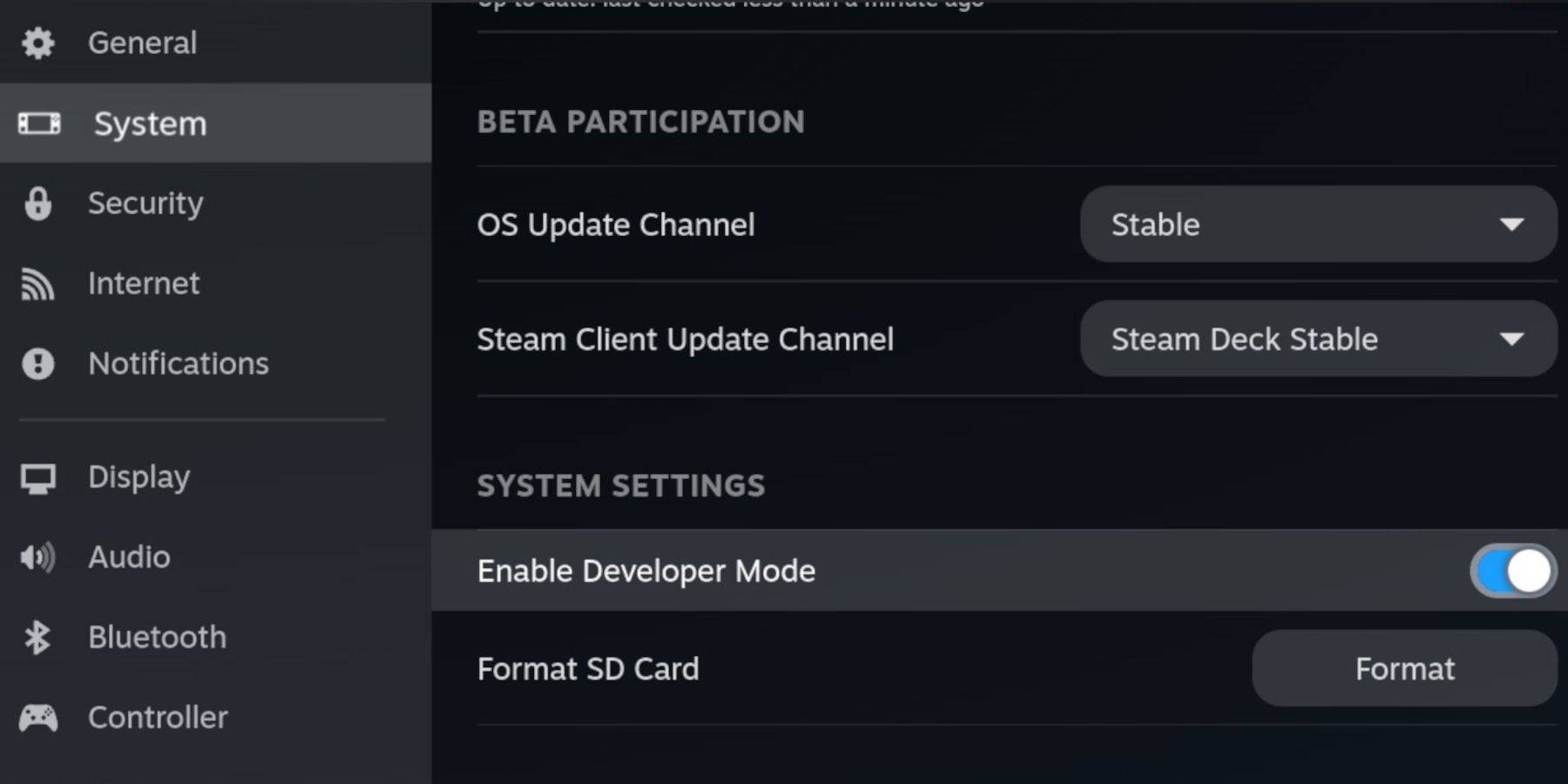 Enable Developer Mode and CEF Remote Debugging on your Steam Deck for compatibility with EmuDeck updates. This involves accessing the Steam menu, navigating to System > Developer, and enabling both options. Reboot into Desktop Mode afterward.
You'll need:
- A fast A2 microSD card (for EmuDeck and games). Format this card within the Steam Deck's Storage settings.
- Legally obtained Sega CD ROMs and BIOS files.
- A keyboard and mouse (optional, but recommended for easier file transfers).
Installing EmuDeck
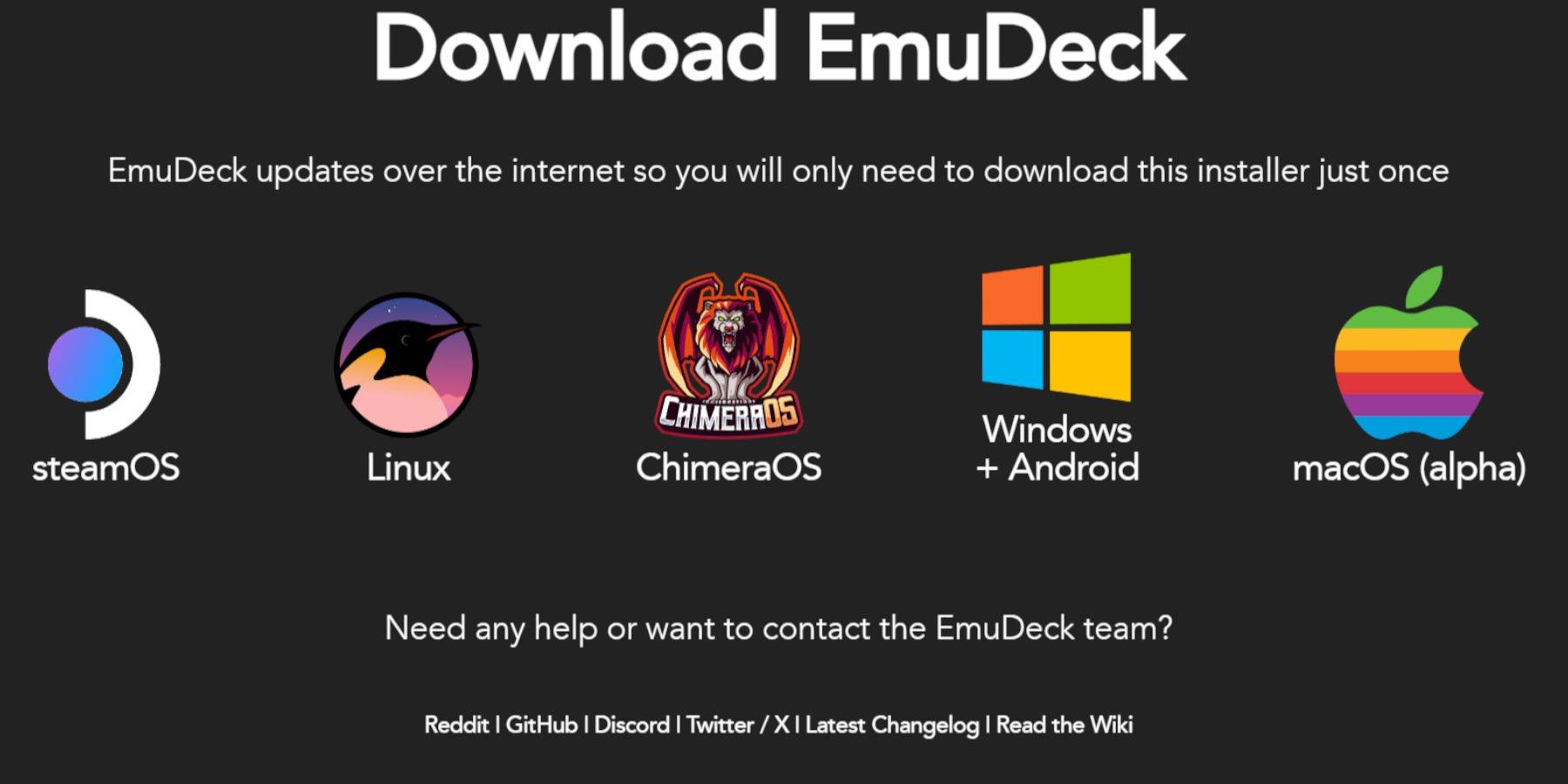 Switch to Desktop Mode. Download a browser (from the Discovery Store), then download EmuDeck. During installation, choose "Custom" and select the microSD card as the installation location. Select RetroArch, MelonDS, Steam ROM Manager, and Emulation Station (or all emulators for future use). Complete the installation.
Transferring Sega CD Files
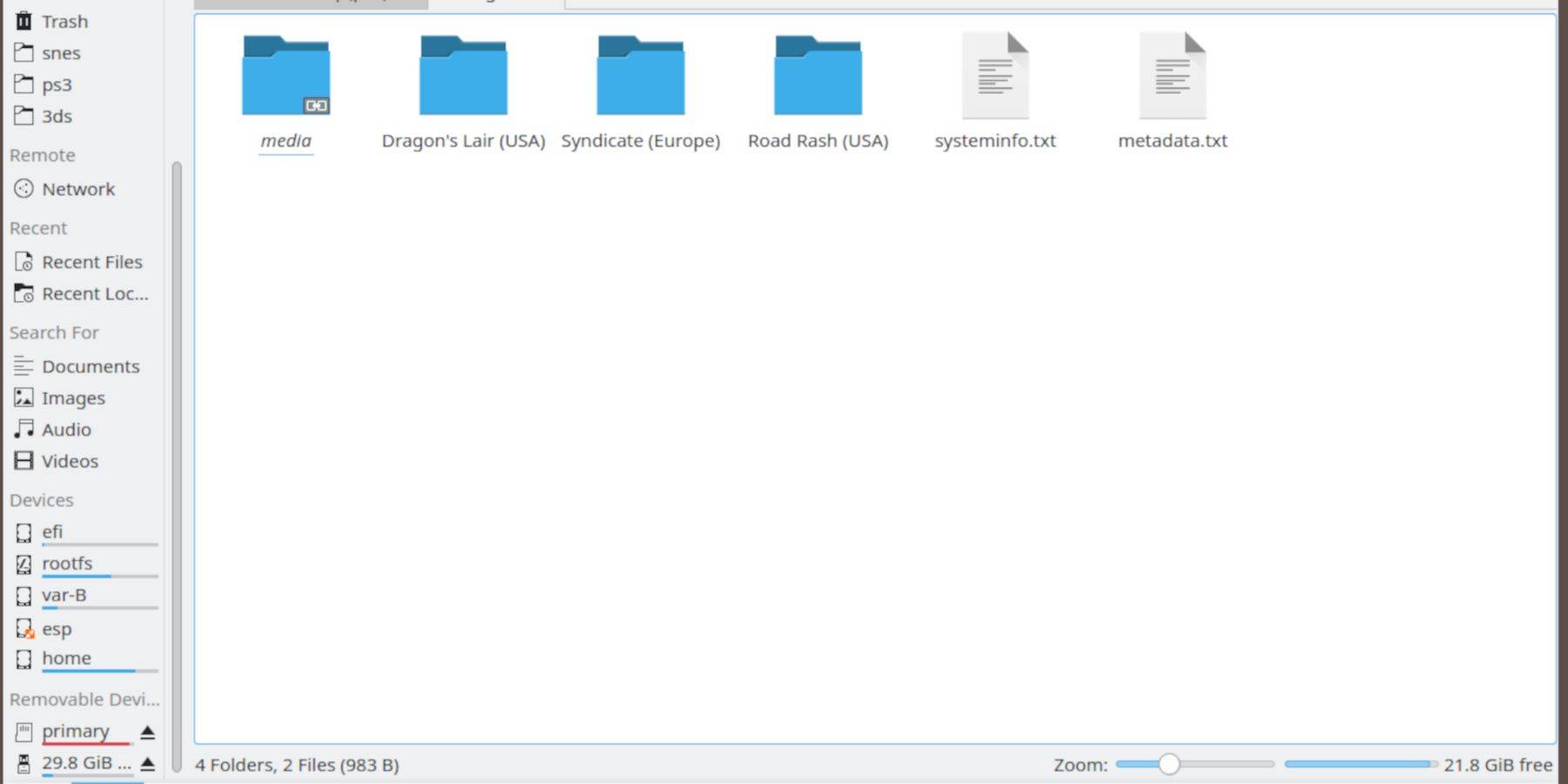 Use the Dolphin File Browser (in Desktop Mode) to transfer your files:
- BIOS: Navigate to
SD Card/Emulation/BIOSand place your BIOS files here. - ROMS: Navigate to
SD Card/Emulation/ROMS/segaCD(ormegaCD) and transfer your ROMs.
Adding ROMs with Steam ROM Manager
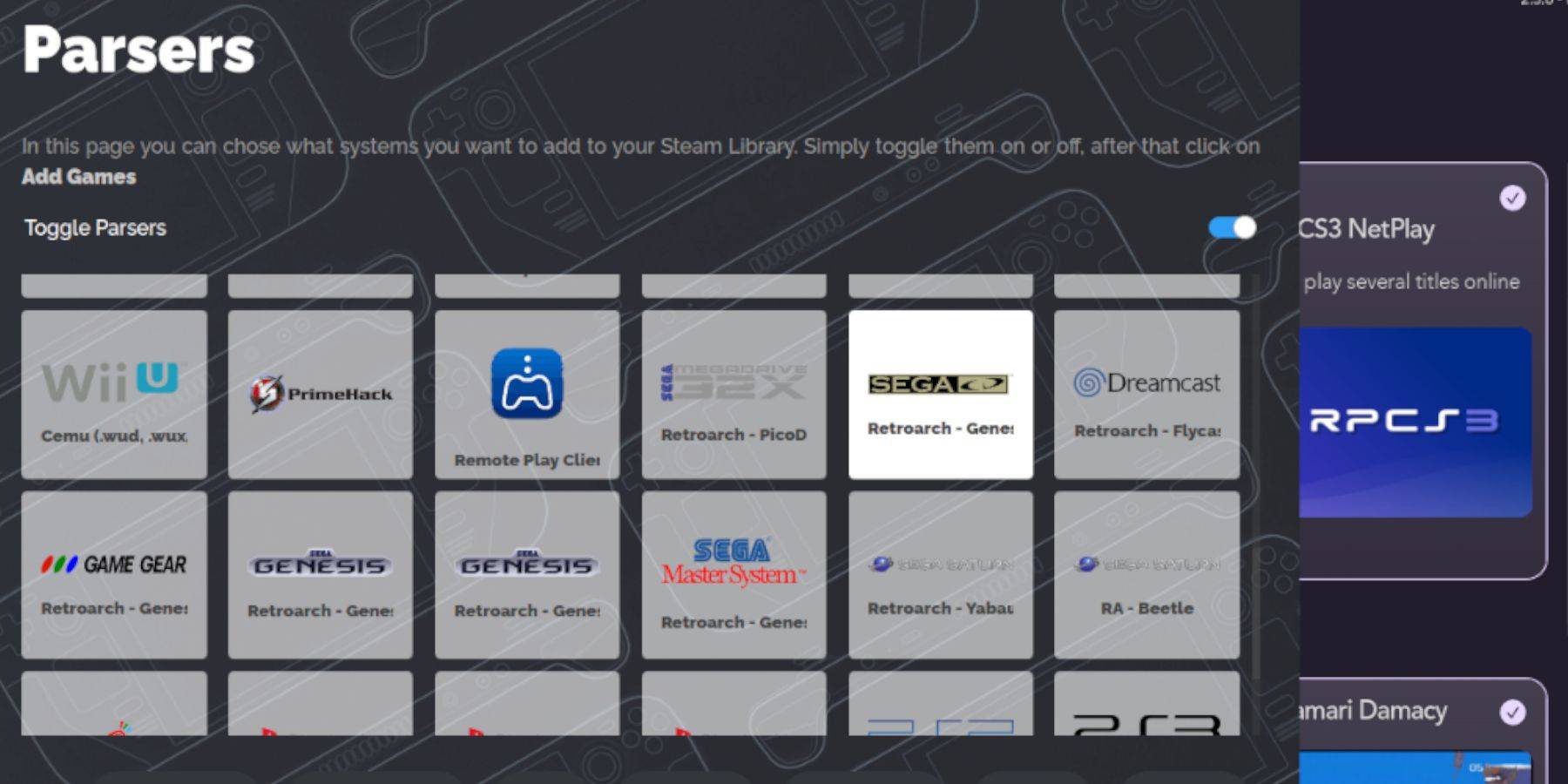 Launch EmuDeck, then Steam ROM Manager. Follow the on-screen prompts, adding your Sega CD games. The manager will automatically fetch metadata and box art.
Fixing Missing Covers
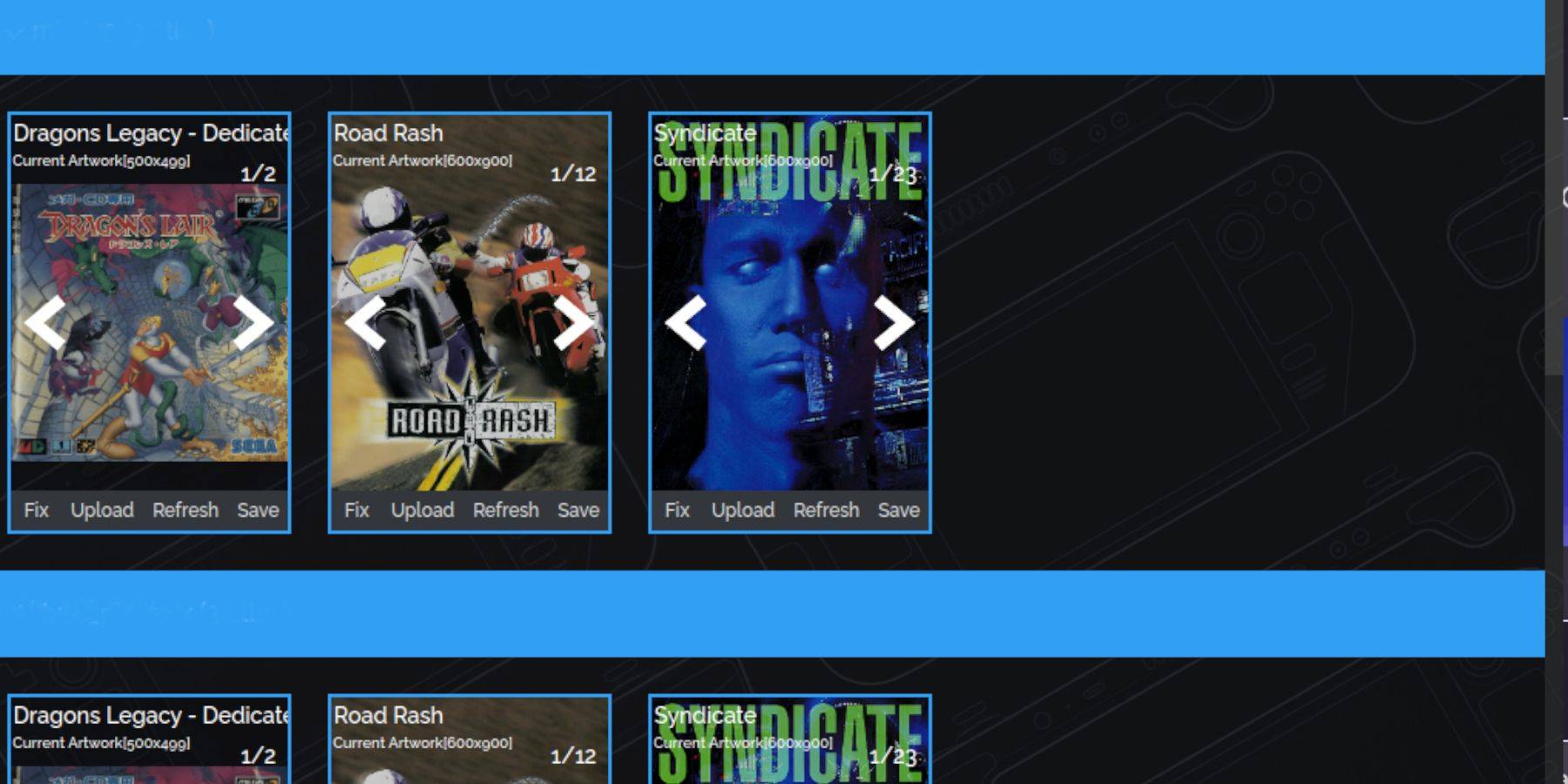 If covers are missing, use the "Fix" function in Steam ROM Manager, searching for the game title. Alternatively, manually upload missing artwork using the "Upload" function.
Playing Your Games
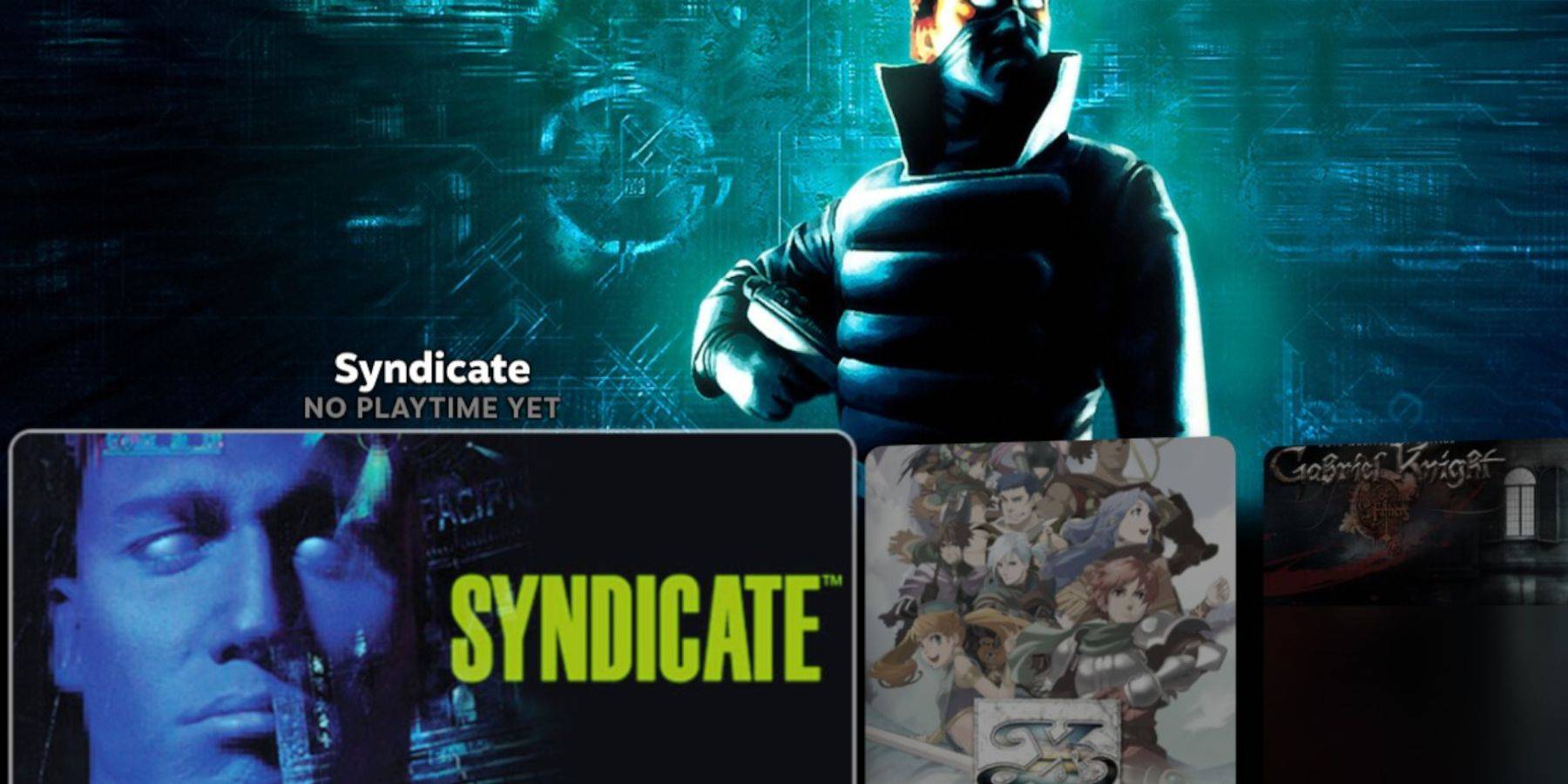 Access your Sega CD games through Steam's Library > Collections > Sega CD.
Emulation Station: For a more organized library, use Emulation Station (accessed via Library > Non-Steam). Use its scraper function to automatically download metadata and box art.
Installing Decky Loader and Power Tools
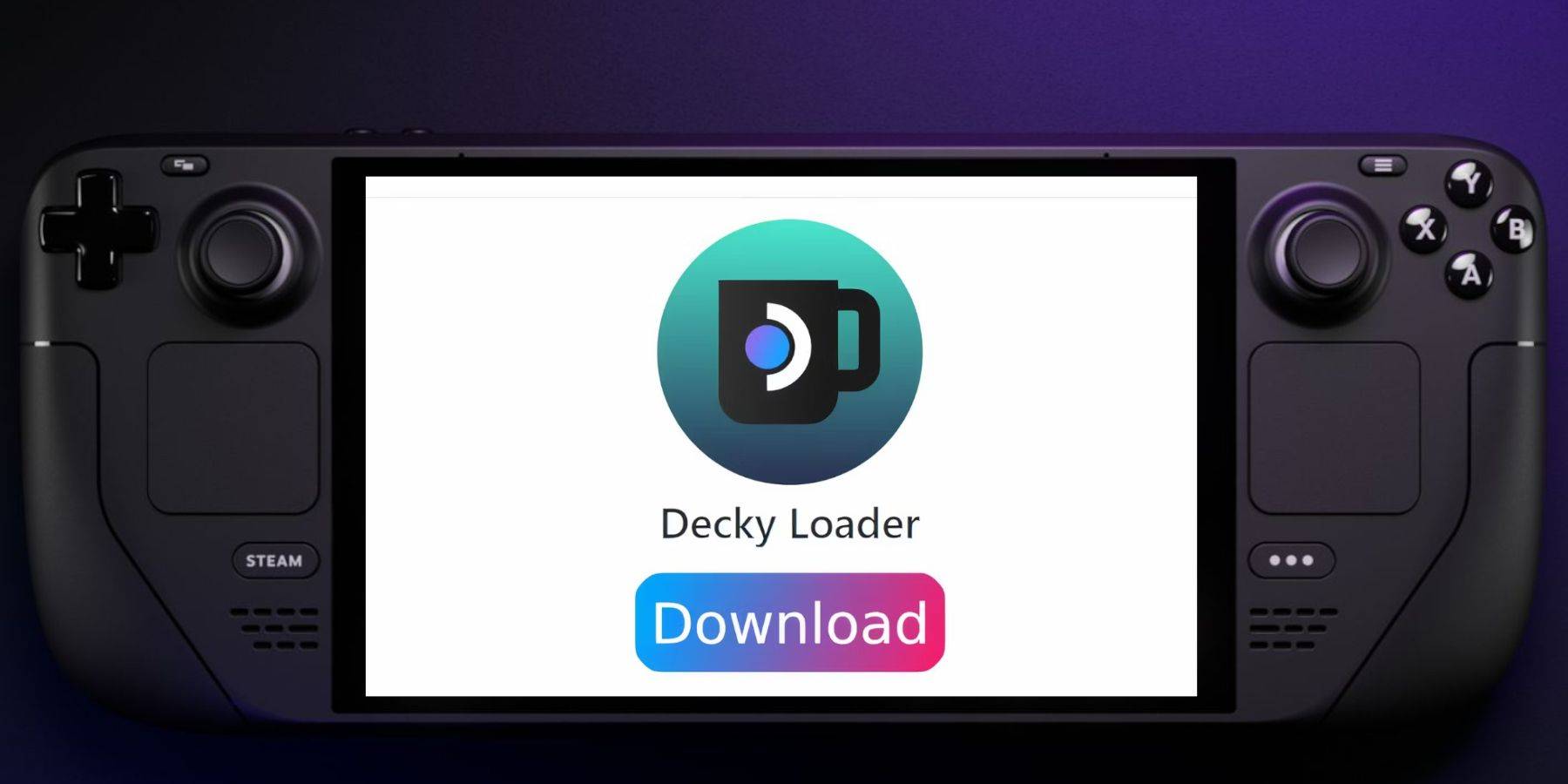 For enhanced performance, install Decky Loader (from its GitHub page) and then Power Tools via the Decky Loader store. Optimize settings within Power Tools (disable SMTs, set threads to 4, adjust GPU clock if needed) for best results.
Fixing Decky Loader After a Steam Deck Update
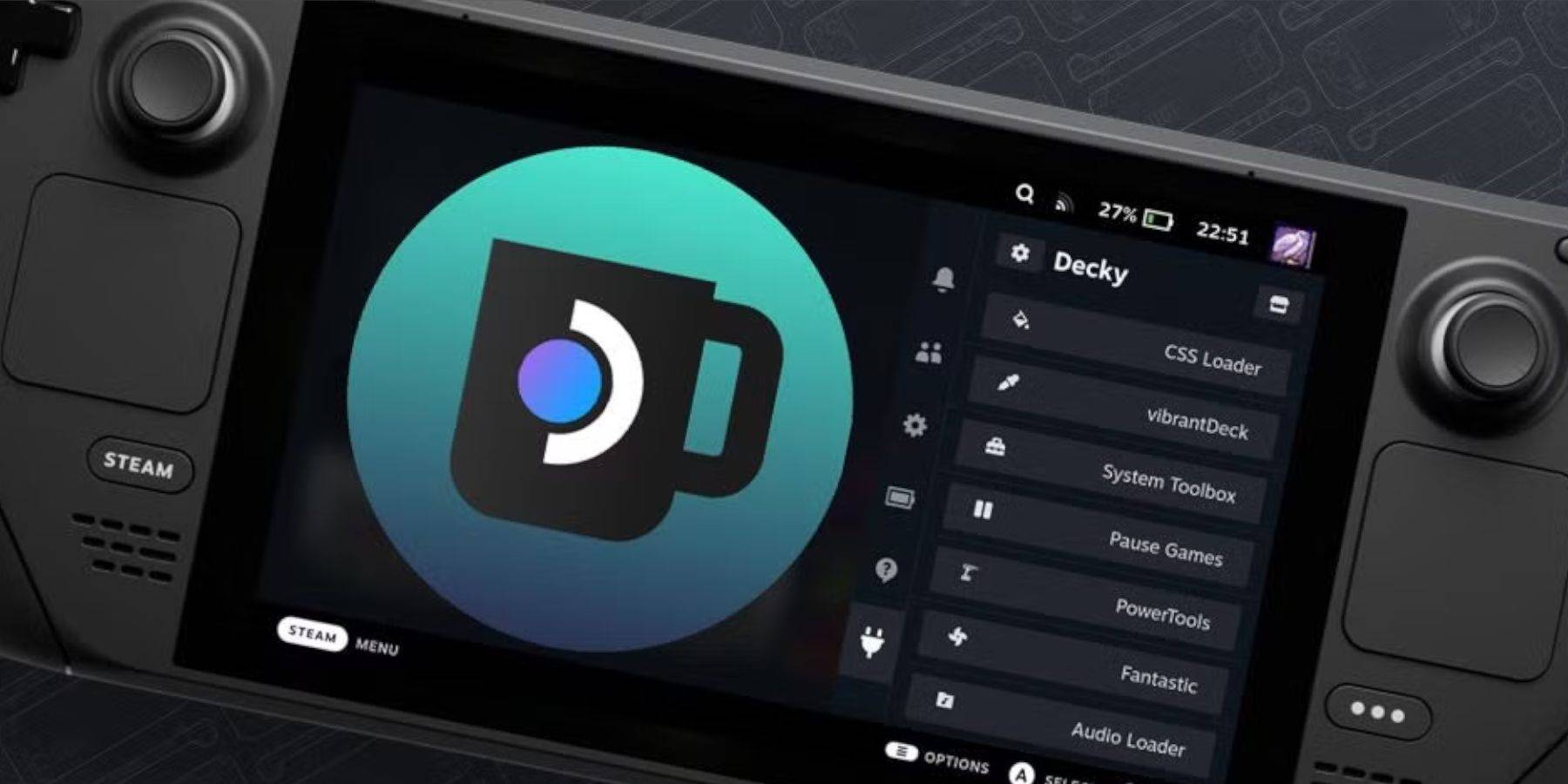 If Decky Loader is removed after a Steam Deck update, reinstall it from the GitHub page using the "Execute" option in your browser. You may need to enter your sudo password.
This comprehensive guide ensures a smooth Sega CD gaming experience on your Steam Deck.
 Latest Articles










 Latest Games