 Home
Home  Navigation


Advanced LT for TOYOTA
Category:Auto & Vehicles Size:820.7 KB Version:2.0
Developer:Dare Apps Rate:2.8 Update:Apr 26,2025
 Application Description
Advanced LT: Enhance Your TOYOTA Monitoring Experience with Torque Pro
Unlock the full potential of your TOYOTA vehicle's performance by integrating the Advanced LT plugin into Torque Pro. This powerful tool extends your access to real-time data, offering advanced engine and automatic transmission sensor information tailored specifically for TOYOTA models.
Key Features of Advanced LT:
- Real-Time Monitoring: Gain immediate insights into your TOYOTA's engine and transmission parameters, enabling you to monitor and analyze performance on the go.
- Model-Specific Compatibility: Designed and tested for a range of TOYOTA models, including Avensis, Corolla, Camry, Highlander, RAV4, Verso, and Yaris. While primarily tested on specific engines, other TOYOTA models may also be supported.
- Limited Free Trial: Try out the plugin with a selection of sensors before deciding to purchase the full version. Note that this trial does not include calculated sensors such as Injector Duty Cycle.
- ECU Scanner: Utilize the built-in ECU Scanner to identify and log data from sensors not yet supported in the plugin. Simply record at least 1000 samples and send them to the developer to expand the plugin's capabilities.
Compatibility Requirements:
Advanced LT is not a standalone app and requires the latest version of Torque Pro to operate effectively. Ensure your Torque Pro is up to date to enjoy seamless integration.
Installation Guide:
Purchase and Installation:
- Buy the Advanced LT plugin on Google Play and confirm its presence in your device's installed applications list.
- Open Torque Pro and click on the "Advanced LT" icon.
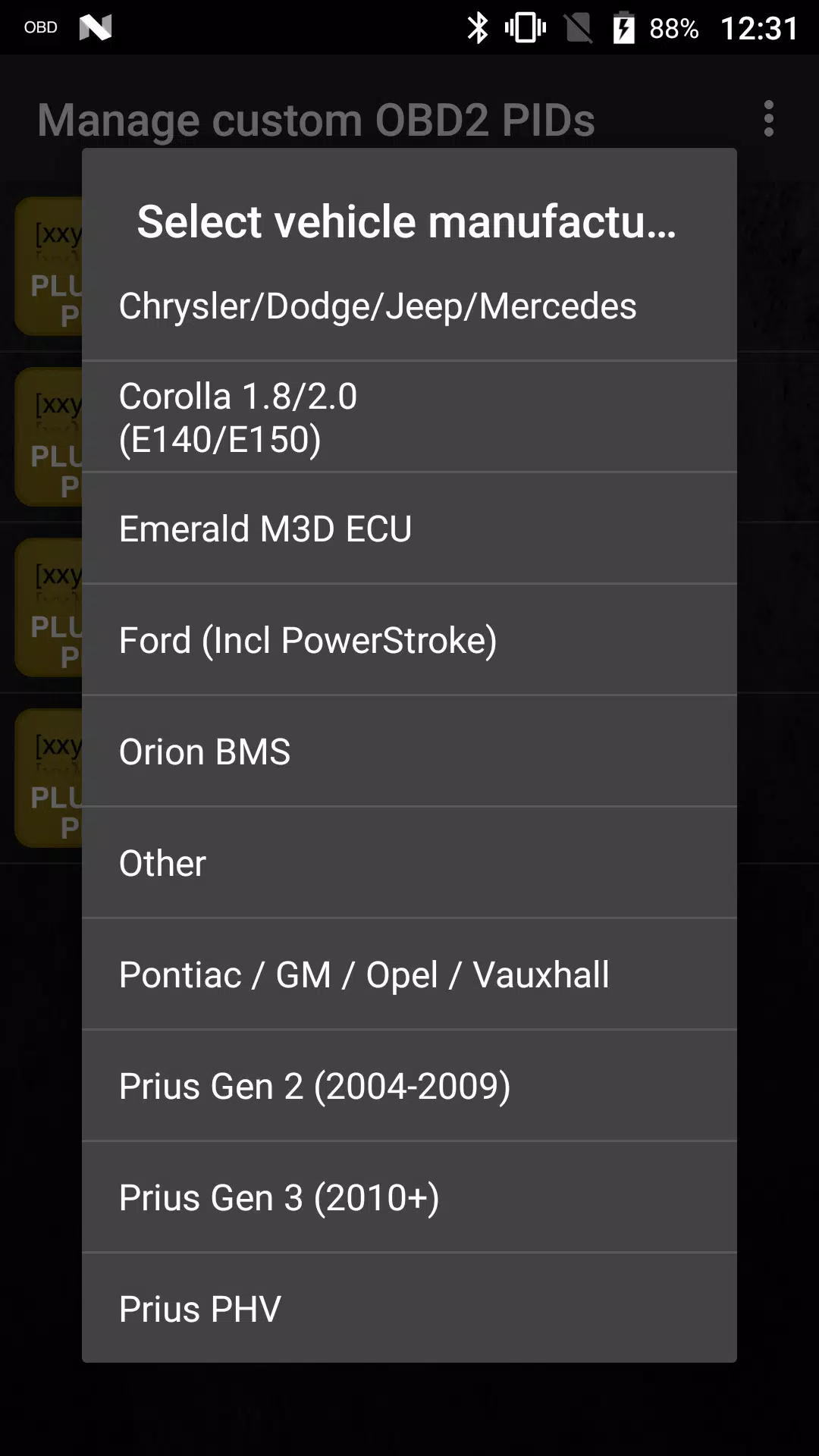
- Select your vehicle's engine type and return to the Torque Pro main screen.
- Navigate to "Settings" within Torque Pro, and check under "Plugins" > "Installed Plugins" to ensure the Advanced LT is recognized.
Adding PIDs/Sensors:
- In Torque Pro, go to "Settings" > "Manage extra PIDs/Sensors".
- From the menu, select "Add predefined set" and choose the correct set for your TOYOTA engine type.
- Confirm that new entries appear in the Extra PIDs/Sensors list.
Customizing Your Dashboard:
- After setting up the additional sensors, access the Realtime Information/Dashboard in Torque Pro.
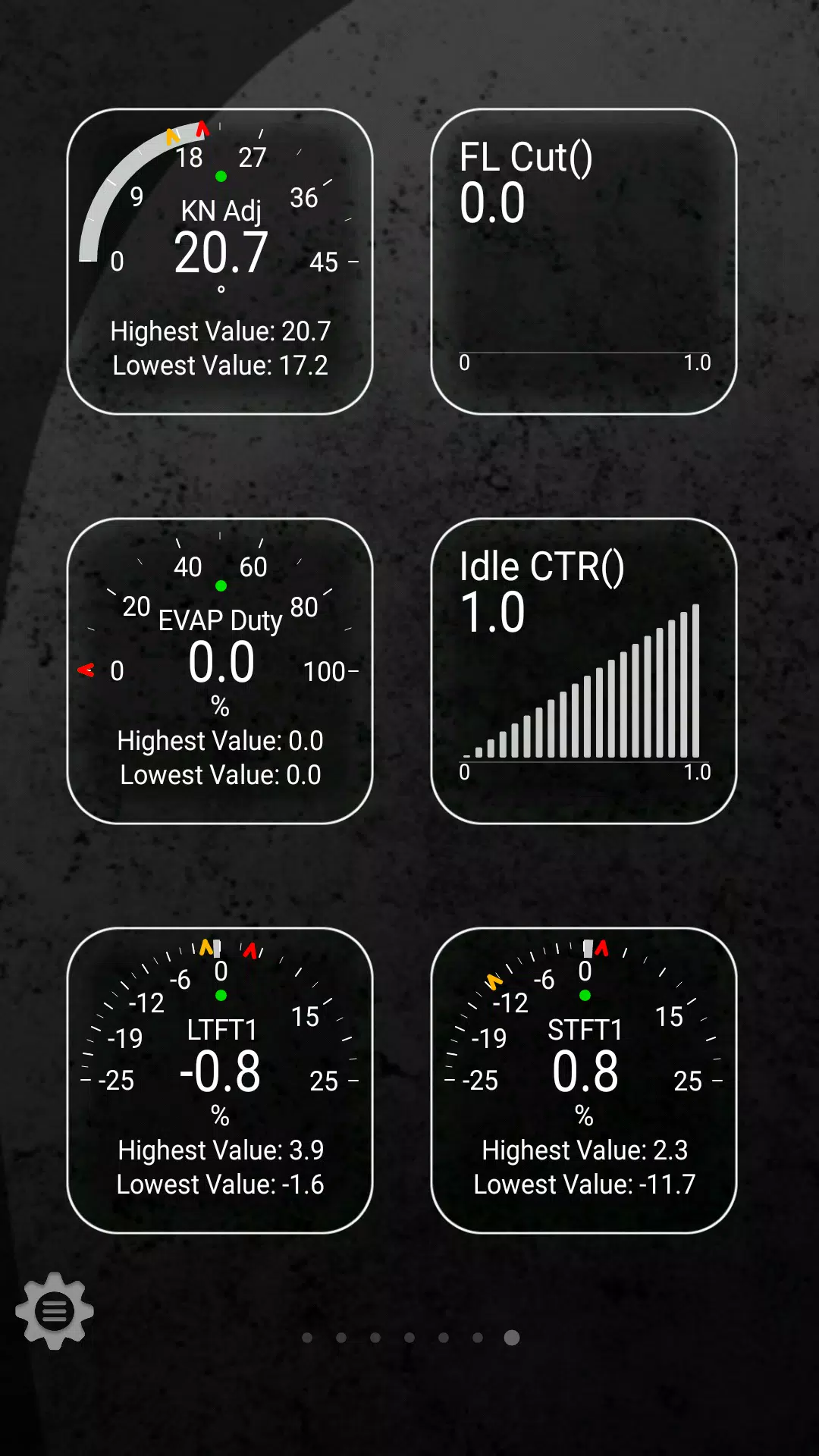
- Click "Add Display" from the menu and select your preferred display type (e.g., Dial, Bar, Graph, Digital Display).
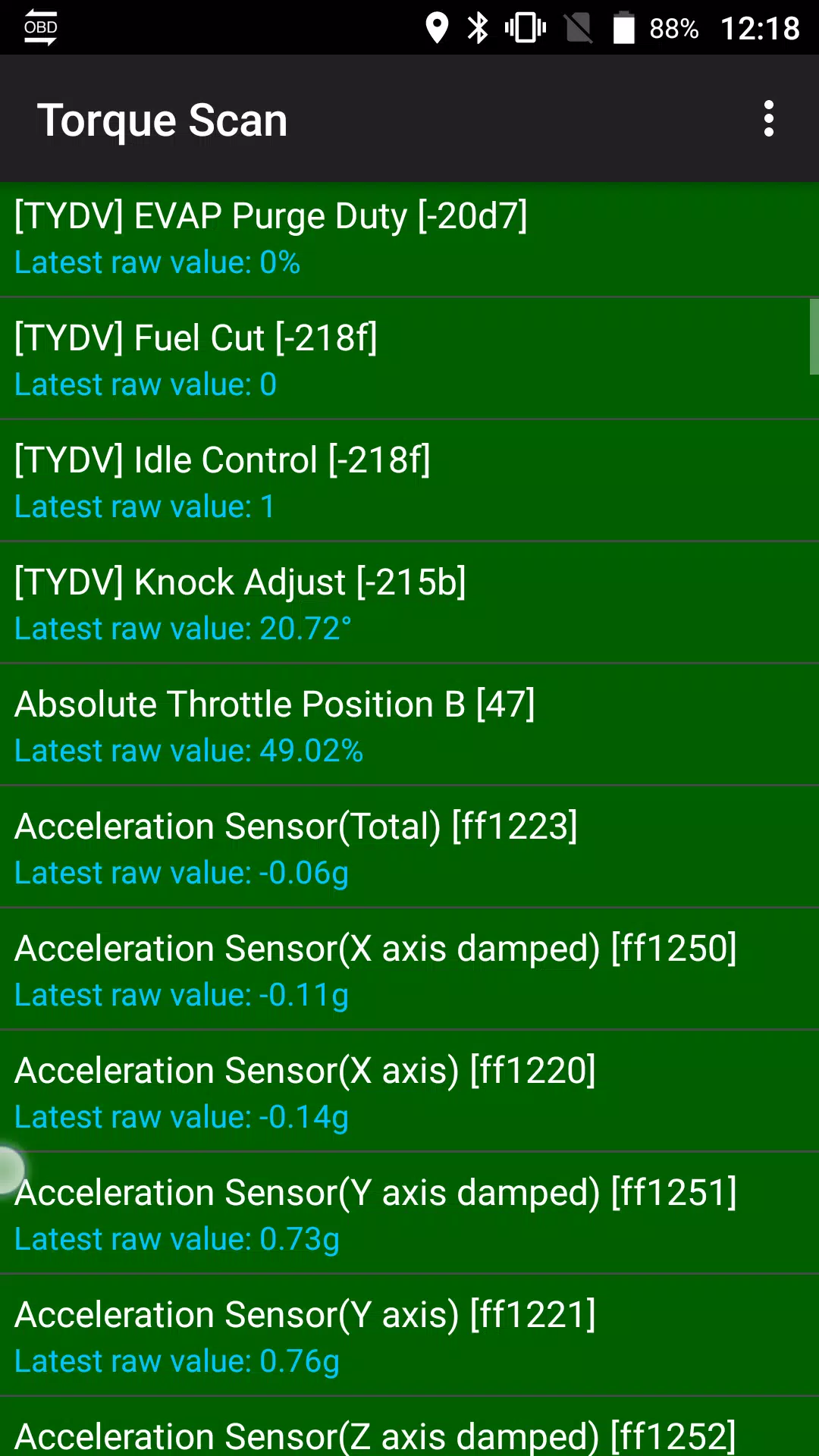
- Choose the relevant sensor from the list; those provided by Advanced LT are prefixed with "[TYDV]" and are typically found near the top of the list, following the time sensors.
Future Enhancements:
We are committed to continuously improving Advanced LT. Future updates will include more features and parameters. Your feedback is invaluable—please share your comments and suggestions to help us enhance your experience.
With Advanced LT, take control of your TOYOTA's performance monitoring and make every drive more informed and enjoyable.
Screenshot
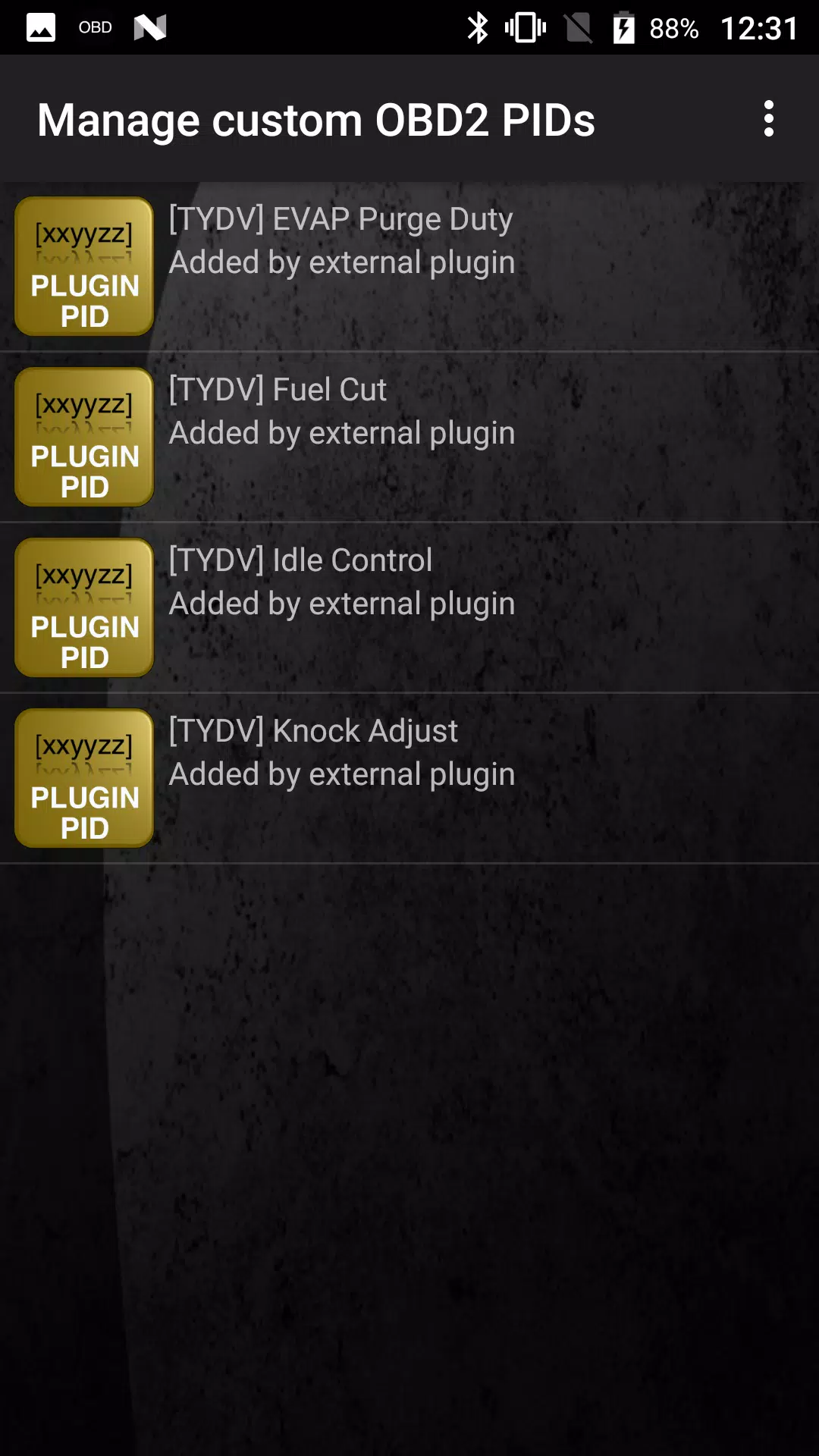
 Reviews
Post Comments
Apps like Advanced LT for TOYOTA
Reviews
Post Comments
Apps like Advanced LT for TOYOTA
-
 FleetmanDownload
1.0.6 / 72.8 MB
-
 Mitsubishi AppDownload
1.1.2 / 67.7 MB
-
 CarTaxiDownload
4.2.0 / 37.7 MB
-
 CVTz50 DEMODownload
1.54 / 4.8 MB
Latest Articles
-
"Blood Message" Release Date Revealed Dec 20,2025

Is Blood Message Available on Xbox Game Pass?Blood Message has not been confirmed for inclusion in Xbox Game Pass at this time.
Author : Jack View All
-
Top Picks: Best Japanese Pokémon Cards Today Dec 20,2025
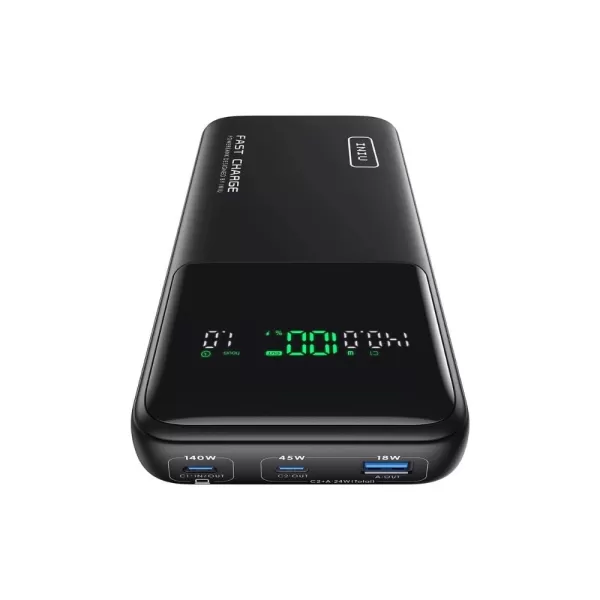
Looking for Japanese Pokémon cards or upgrading your tech setup? Today's roundup features must-have gear from high-capacity power banks to fitness trackers, cooling solutions, and premium charging accessories.Today's Top Deals ### INIU 140W Power Ban
Author : Lucy View All
-
Civilization 7's troubled launch on Steam has become increasingly evident. The strategy sequel has faced player retention challenges on Valve's platform since its February release, currently holding a 'Mixed' rating in Steam user reviews. Despite mul
Author : Mia View All
Topics

Dive into the world of arcade gaming with our curated collection of classic and new hits! Experience the thrill of retro gameplay with titles like Clone Cars and Brick Breaker - Balls vs Block, or discover innovative new experiences with Fancade, Polysphere, and Riot Squid. Whether you're a fan of puzzle games (Screw Pin Puzzle 3D), action-packed adventures (Rope-Man Run, SwordSlash), or competitive multiplayer (1-2-3-4 Player Ping Pong), this collection has something for everyone. Explore the best in arcade gaming with Tolf and many more exciting apps. Download Clone Cars, Fancade, 1-2-3-4 Player Ping Pong, Brick Breaker - Balls vs Block, Polysphere, Riot Squid, Tolf, Rope-Man Run, SwordSlash, and Screw Pin Puzzle 3D today!






 Latest Apps
-
Comics 1.0.8 / 31.0 MB
-
Dating 4.3 / 26.6 MB
-
Health & Fitness 1.38 / 12.9 MB
-
 Myanmar Font Styles For SAMSUNG
Productivity 1.1 / 6.50M
-
Productivity 3.8.7 / 23.20M



 Trending apps





 Top News


- Assassin’s Creed Shadows Delayed Again Jan 24,2025
- Mr. Fantastic's Limitless Meme-ability Captivates Fans Feb 24,2025
- Indiana Jones and the Great Circle Sticks to Melee Combat Over Gun Fights Feb 25,2025
- Borderlands 4 Early Access Was \"Amazing\" According to Fan Jan 16,2025
- Marvel IP Omission Prompted Cancellation Feb 23,2025
- What Are Pokemon Vending Machines? What They Sell and How To Find One Near You Mar 19,2025
- Echocalypse Teams Up with Trails to Azure for Crossover Event Featuring New Characters May 18,2025
- Pre-Registrations Open For Tokyo Ghoul · Break the Chains In Select Regions Jan 08,2025
