 Home
Home  Navigation



Otobüsüm Nerede
Category:Maps & Navigation Size:9.5 MB Version:2.12.0
Developer:İETT Genel Müdürlüğü Rate:4.2 Update:Jul 09,2025
 Application Description
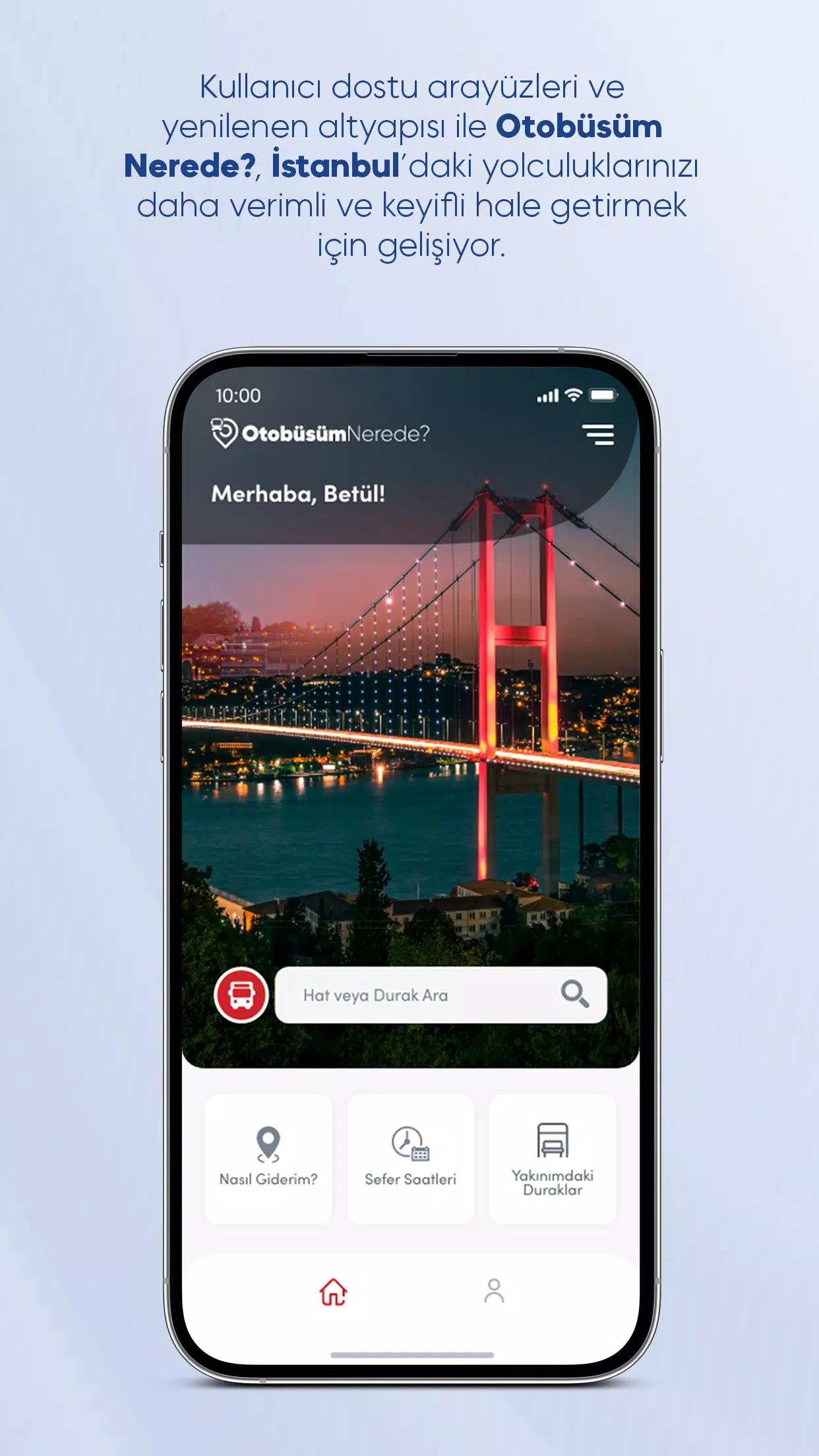
Where Is My Bus? is a smart application developed to simplify public transportation in Istanbul. With its updated, user-friendly interface and enhanced infrastructure, it brings smarter commuting within reach for every traveler.
Developed as the official mobile solution by the Istanbul Metropolitan Municipality General Directorate of IETT Operations, Where Is My Bus? offers comprehensive access to Istanbul’s bus network. You can easily explore bus line routes, timetables, and find out which lines serve each stop across the city.
How Can I Go?
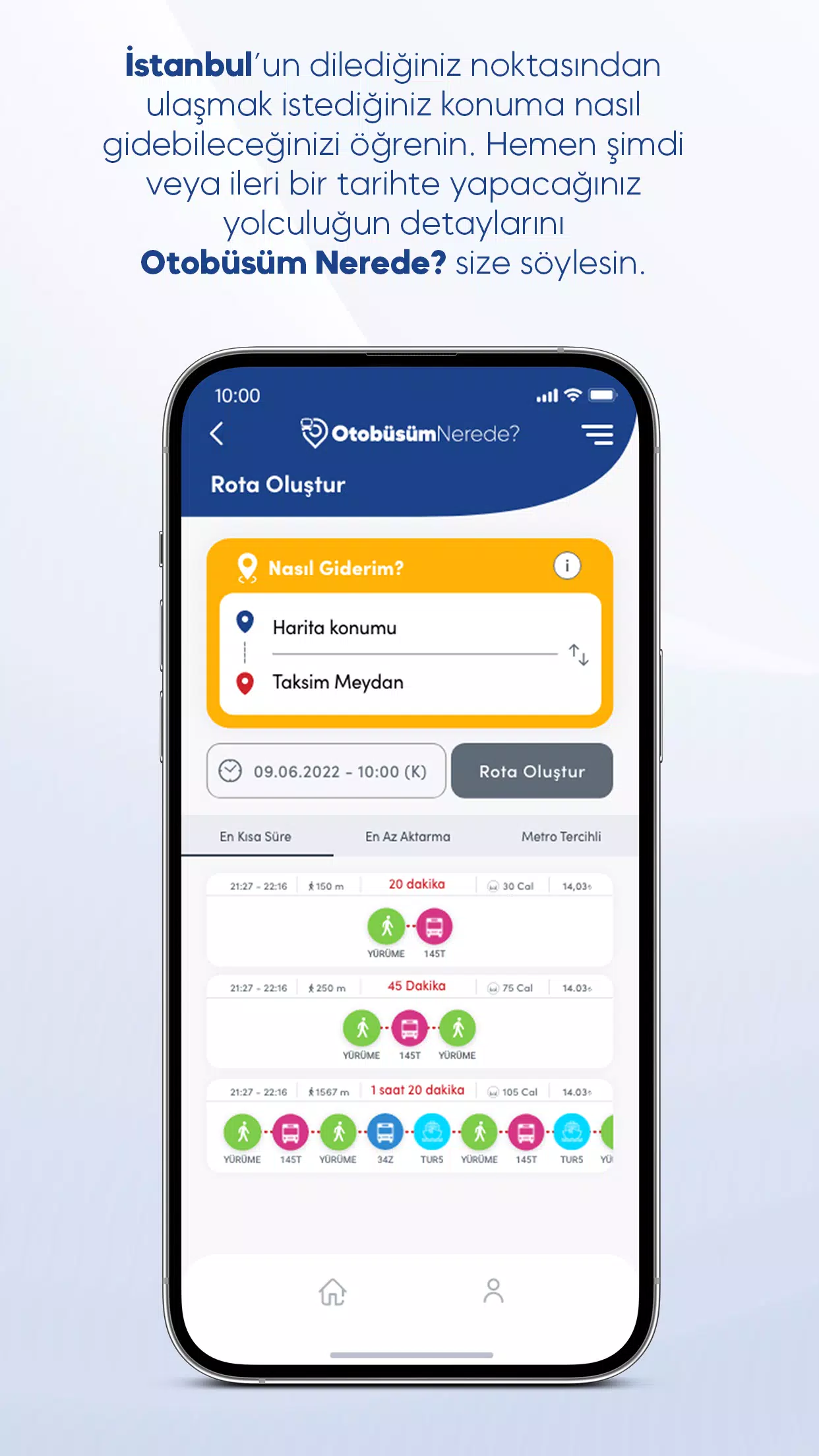
Wondering how to get to your destination using public transport? Where Is My Bus? has got you covered. Simply enter your starting point and destination in the “How To Go” section, and specify your preferred travel date and time. The app will present multiple route options based on your preferences—whether you want the fastest route or the one with the least walking. Select your preferred option and view detailed directions. If needed, follow the full route directly on the map for easier navigation.
Discover Nearby Stops
The “Stops Near Me” feature allows you to list nearby bus stops sorted by distance from your current location. Tap any stop to view detailed information, including which lines serve that stop and real-time arrival estimates. Switch to map view at any time to locate stops visually and receive turn-by-turn directions.
Find Useful Transportation Points
Looking for an Istanbulkart refill station or an İspark parking point? Where Is My Bus? helps you locate the closest ones based on your current position. From the side menu, access these services and view their distances from your location. For parking points, you can also see available capacities and types—like open lots or multi-story garages. Explore locations on the map and get directions effortlessly.
Line and Route Information
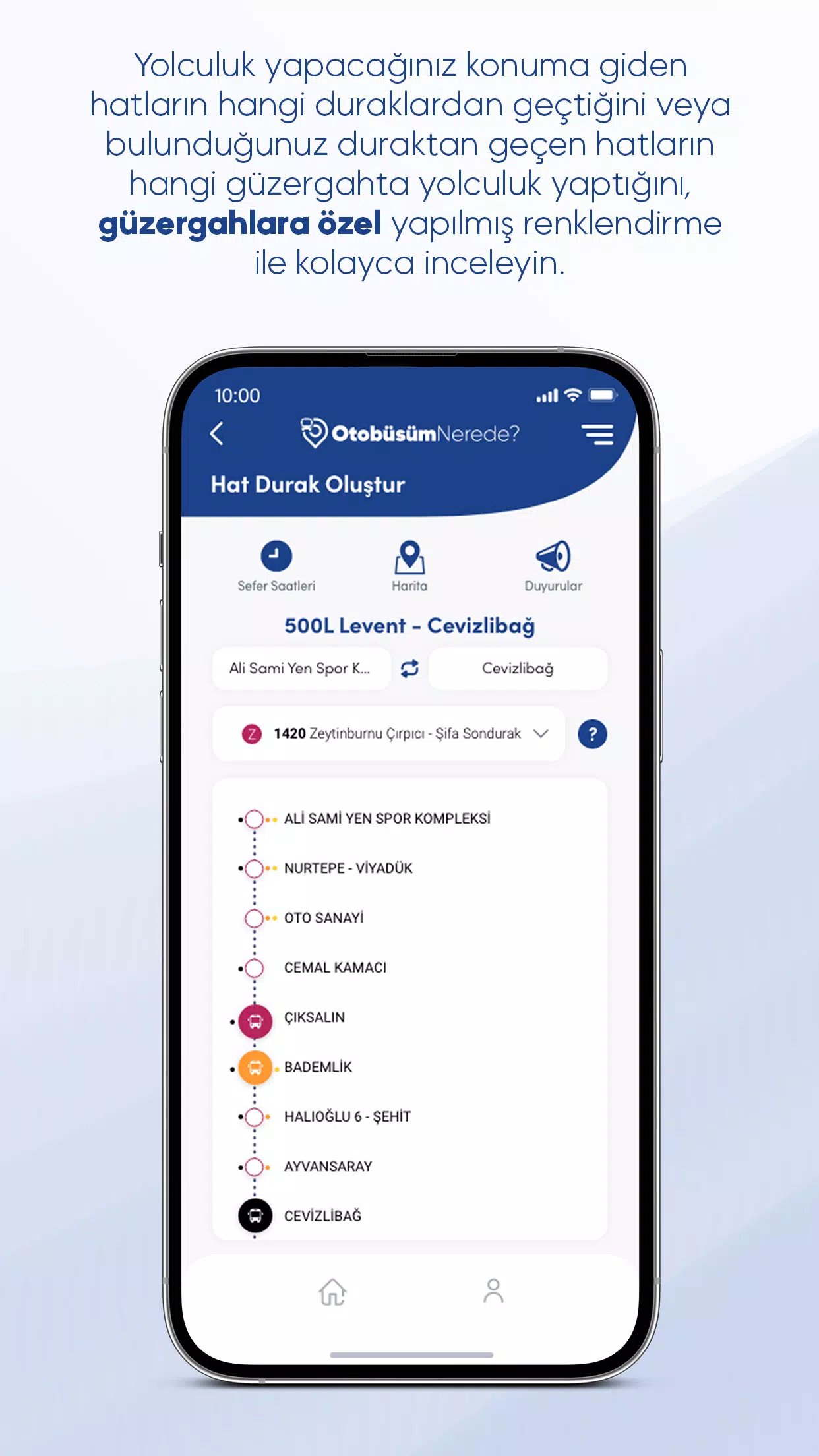
Search for specific bus lines by name and review both main and sprint (branch) routes. On the line detail page, select a route to view all associated stops. Real-time bus tracking lets you monitor vehicle locations, and special color coding makes it easy to distinguish between different branch routes. Use the map view to visualize all selected routes simultaneously. Activate the filter icon in the top-left corner of the map to toggle routes on and off.
Plan Your Journey Using Timetables
Access timetables either from the homepage or through the line detail page. While displayed times primarily reflect the main route, sprint routes are highlighted separately using distinct color codes. To understand which color corresponds to which branch route, open the Route Information panel for clarification.
Stay Updated with Announcements
While browsing line or stop details, tap the Announcements icon to check for any active alerts related to that service. Additionally, use the Announcements page in the side menu to review past updates regarding line changes, stop adjustments, schedule modifications, and more.
Screenshot
 Reviews
Post Comments
Apps like Otobüsüm Nerede
Reviews
Post Comments
Apps like Otobüsüm Nerede
-
 GPS Arrow Navigator LITEDownload
1.36 / 5.2 MB
-
 VIETMAP LIVEDownload
2.9.0 / 108.1 MB
-
 Car Mobile - MotoristaDownload
20.7 / 19.4 MB
-
 Kigo - ParkimovilDownload
6.15.3 / 42.8 MB
Latest Articles
-
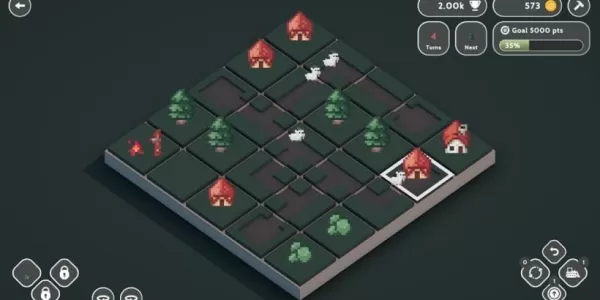
Teeny Tiny Town celebrates its second anniversary this week.Short Circuit Studios is commemorating the occasion with a mini-crossover featuring their recently launched game, Townsfolk.Gain access to a fresh theme for Teeny Tiny Town that mirrors the
Author : Mia View All
-
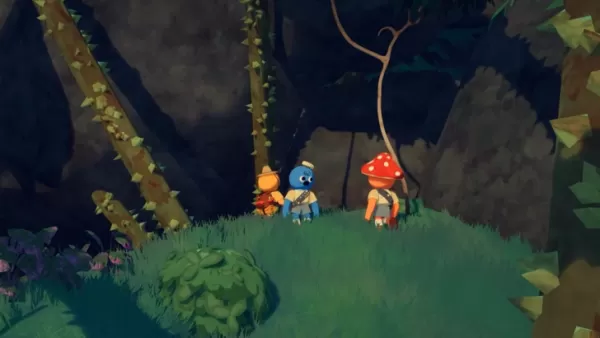
With sales surpassing two million copies within just nine days, the developers of PEAK are now evaluating potential updates. Continue reading to discover more about this latest milestone and the team's plans for future enhancements.PEAK Developers No
Author : Carter View All
-
Honkai: Star Rail’s version 3.5 takes you 1,000 years into the past as the Amphoreus arc carries on Oct 07,2026

Version 3.5 delves into the second half of the Amphoreus arc. Hysilens and Cerydra join as playable 5-star characters. Explore a new map, craft cocktails, and serve fairy delicacies in other events. HoYoverse isn’t slowing down after the epic Fate/S
Author : Ryan View All
Topics

Dive into the world of arcade gaming with our curated collection of classic and new hits! Experience the thrill of retro gameplay with titles like Clone Cars and Brick Breaker - Balls vs Block, or discover innovative new experiences with Fancade, Polysphere, and Riot Squid. Whether you're a fan of puzzle games (Screw Pin Puzzle 3D), action-packed adventures (Rope-Man Run, SwordSlash), or competitive multiplayer (1-2-3-4 Player Ping Pong), this collection has something for everyone. Explore the best in arcade gaming with Tolf and many more exciting apps. Download Clone Cars, Fancade, 1-2-3-4 Player Ping Pong, Brick Breaker - Balls vs Block, Polysphere, Riot Squid, Tolf, Rope-Man Run, SwordSlash, and Screw Pin Puzzle 3D today!






 Latest Apps
-
Lifestyle 1.1.2 / 1.90M
-
Lifestyle 1.2 / 14.20M
-
 Citas Ecuador Solteros Ecuador
Communication 10.0 / 18.60M
-
 Galaxy Wearable (Samsung Gear)
Tools 2.2.59.24061361 / 25.70M
-
Communication 1.0.1004 / 81.40M


 Trending apps





 Top News


- Disable Crossplay in Black Ops 6 on Xbox and PS5: Simplified Guide Feb 21,2025
- GTA 6: Release Date and Time Revealed May 07,2025
- Stephen King Confirms Writing for Mike Flanagan's Dark Tower: 'It's Happening' - IGN Fan Fest 2025 Apr 24,2025
- Echocalypse Teams Up with Trails to Azure for Crossover Event Featuring New Characters May 18,2025
- The Compact Iniu 10,000mAh USB Power Bank Just Dropped to $9.99 on Amazon Apr 19,2025
- "Star Wars Outlaws: A Pirate’s Fortune Update Coming in May" May 19,2025
- Energy Assault FPS Codes Drop for Roblox Enthusiasts in January 2025 Jan 27,2025
- PlatinumGames Marks Bayonetta\'s 15th Anniversary with Year-Long Celebration Jan 26,2025
